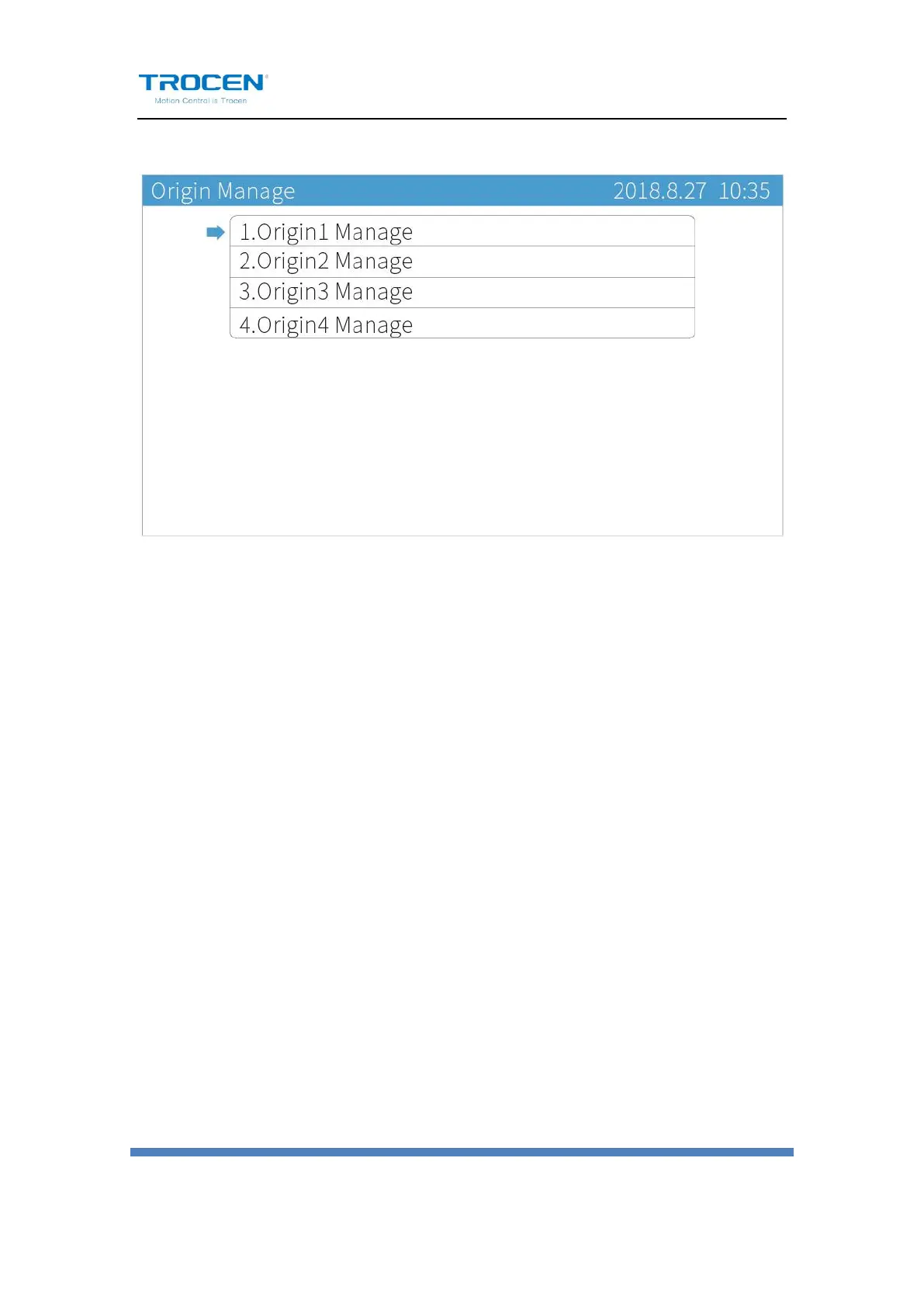
Figure6-2-1 Origin Manage Interface
Move cursor to【Origin1 Manage】, press【Enter】to enter the Origin1
Manage interface. Move cursor to【Set current position as the origin】,
press【Enter】to set the current position of laser head as origin point.
Other origin points will be set like this.
【The origin PX】and【The origin PX】show the coordinates of current
origin point. Users can accurately determine the origin point according to
the coordinate value. The system supports up to 4 origin points. Users can
select any origin points for use by pressing【Move head to the origin】key.
This function is used for rapid switching of different points of laser head.


 To Next Page