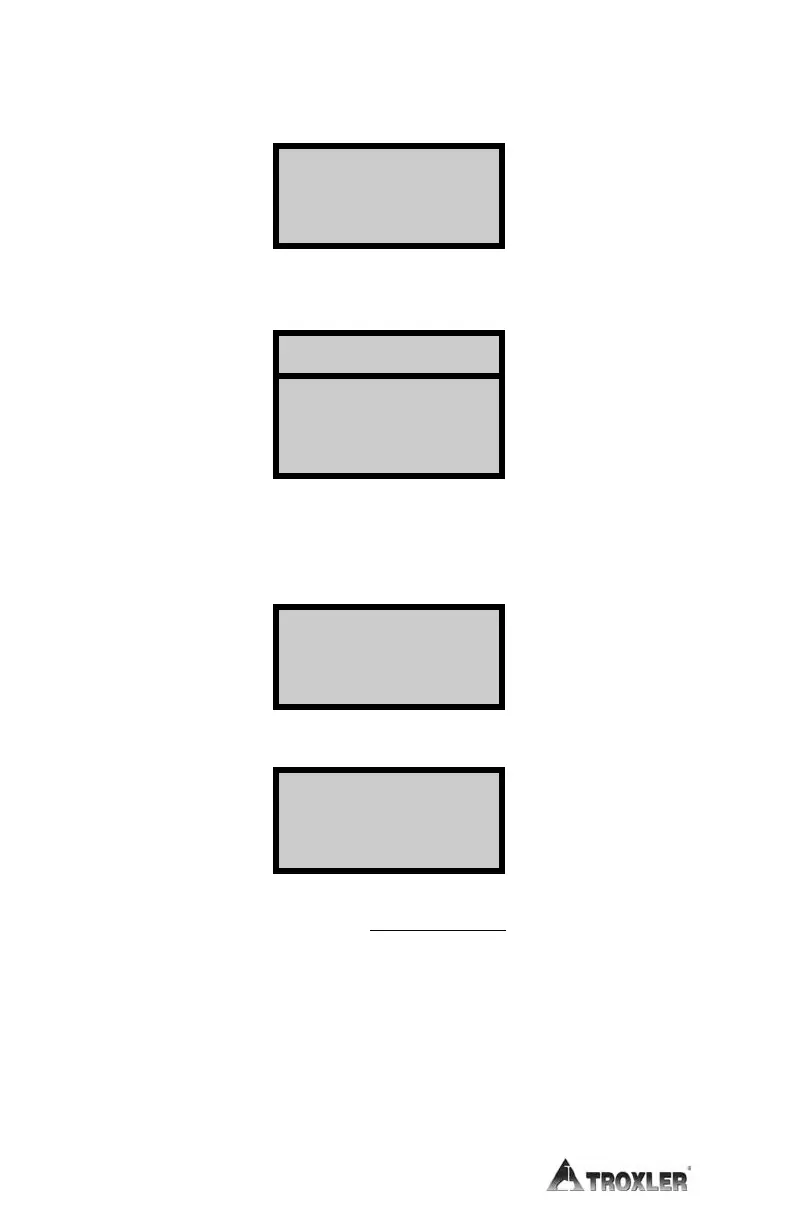
GAUGE MEASUREMENT. If the gauge is to be used to automatically
record the moisture value, press
〈2〉 from the third screen on page 5–6. The
display is:
Place the gauge in the backscatter position ONLY at the location to be
tested. Press
〈START/ENTER〉. The display will be:
After counting down to zero, the display will be:
Position the gauge at the next test site and press 〈START/ENTER〉.
Repeat these steps for tests 3 and 4. After test 4 is completed, the display
will be:
Press 〈START/ENTER〉 to save the new value. The display is:
► To enable the K value but not save it for future use, press 〈NO/CE〉.
The value will be enabled, but will not be saved after it is disabled or
the gauge is turned off. The display will return to READY.
Old:x.xx %
New:x.xx %
(ENTER to save)
surface to test.
Press START for
(4) 1 min counts
#1
T
im
e:
60
sec
.
MC
=xxxx
Press
ENTER
for
next count
Do
y
ou
wa
n
t
to
save
this
value
or later use?










 To Next Page