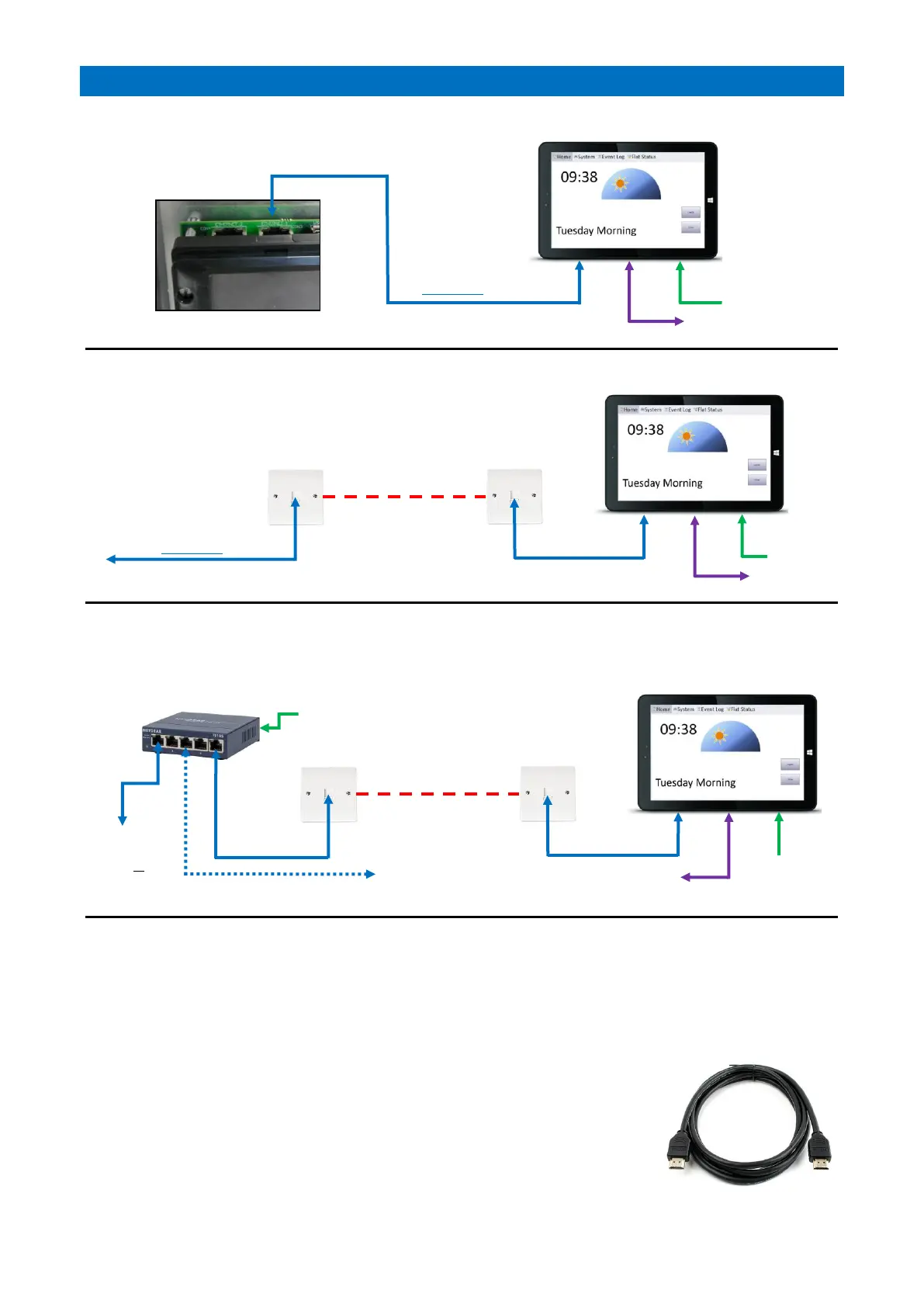
LOCAL SINGLE PANEL INSTALLATION
REMOTE SINGLE PANEL INSTALLATION
MULTI-PANEL INSTALLATION
PANEL MOUNTING
The rear of the Manager’s Display Panel has 4 No. M4 threaded inserts on 75mm centres for a standard VESA 75
bracket. A flat wall mounting bracket is supplied, fix this to the rear of the panel using the 4 No. M4 x 6mm Pan Head
screws supplied. Fix the wall bracket with the 4 fixing screws provided (100mm centres). Note: ensure correct
orientation so the monitor hooks onto the bracket from the top.
PROGRAMMING
The total number of Manager’s Display Panels must be set in programming - see the
RS485 Network Setup section of the Advent XT2 Programming Manual (Doc No. FM0815).
OPTIONAL NOTICE BOARD
A large flat screen 1920x1080p HDMI monitor can be connected to the Manager’s Panel
HDMI port using a standard Male-Male HDMI cable - max cable length should not exceed
15 metres. Note: the Notice Board content is setup and edited from the Manager’s Panel
it is connected to.



 To Next Page