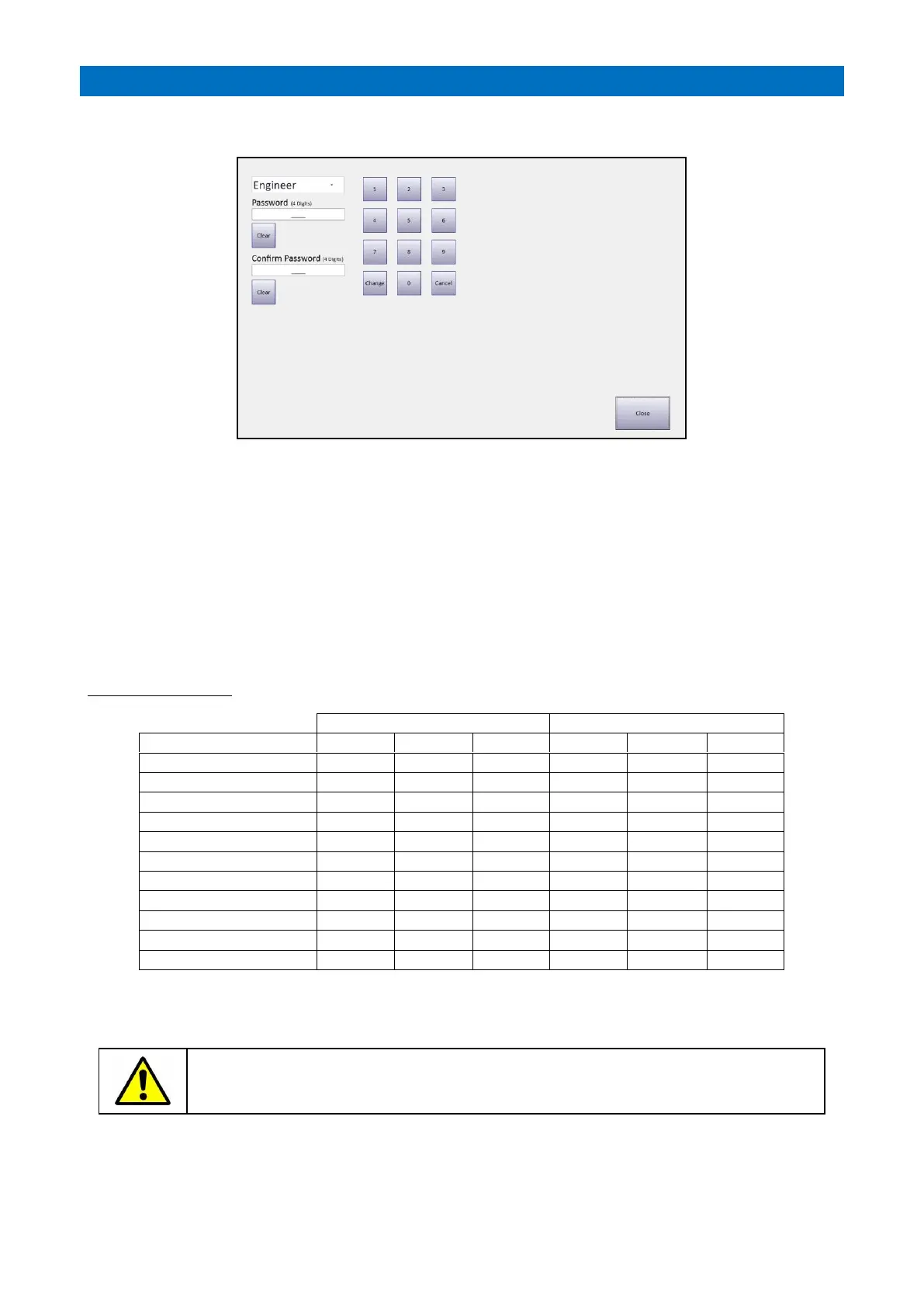
From the System Setup screen press the Change Password button;
User (Default Password 1234) – change system operating mode only
Manager (Default Password 9876) – access to all user features
Engineer (Default Password 2371) – access to all user features and system setup
An Engineer can change 3 passwords; Engineer, Manager and User.
A Manager can change 2 passwords; Manager and User.
A User cannot change passwords.
Select the Password to be changed from the drop-down menu (Engineer, Manager or User).
Enter a new 4-digit password in the Password box
Enter the same new 4-digit password in the Confirm Password box
Press the Change button to save the new password.
Password Access Table
Change the passwords from default and advise the scheme Manager their User and Manager
passwords before handover. Do not disclose the Engineer password.



 To Next Page