14
Remote Control Unit
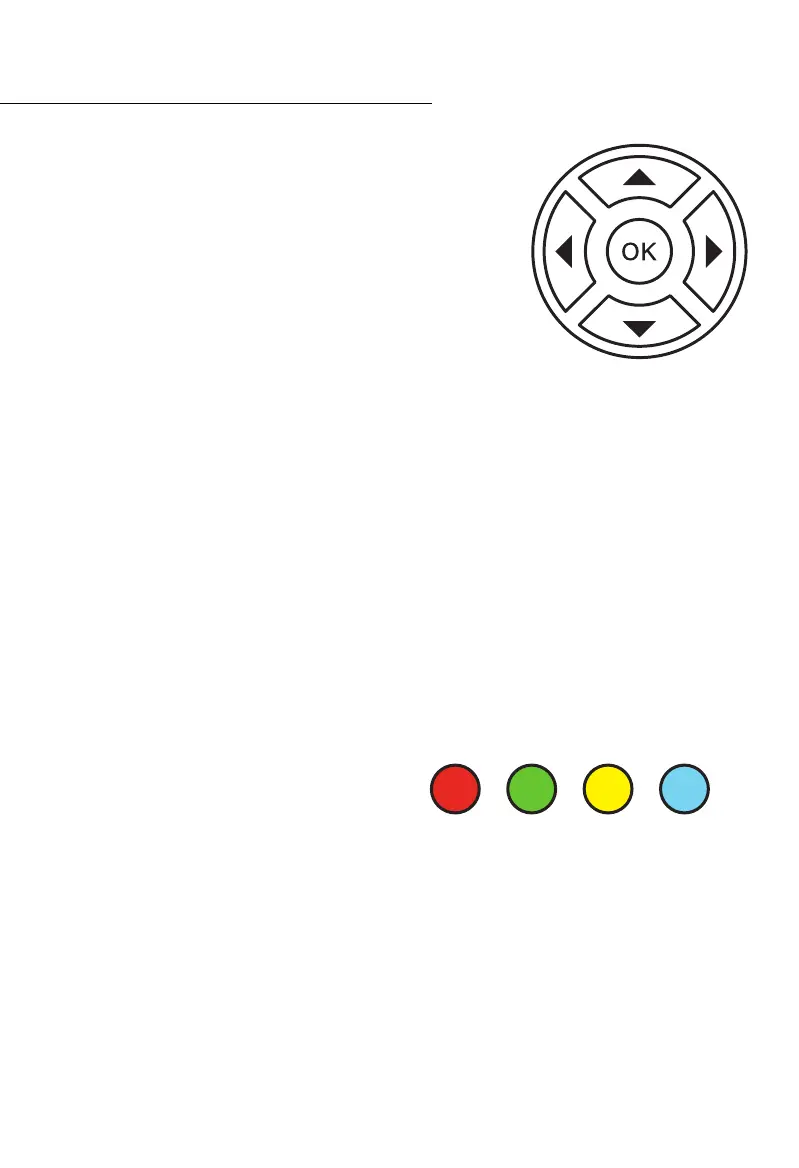
RCU Navigation Buttons
The terms NAVIGATE (NAV) or SELECT are used when referring to
activities controlled by these four arrows and the OK button.
The OK button is the same as SELECT / SAVE / AGREE. In some
instances it is a shortcut button - for example to quickly see
the available channels.
The arrow buttons move the cursor/highlight around the on
screen display.
When a screen/menu has been opened the cursor will be situated on a
command or program in the screen.
If that default is not what is needed use the arrow buttons until the required function is
highlighted. Press OK to select that item or INFO to see information about it (TV programs).
MOST functions require the user to press OK before LEAVING the program or function
because the OK button implies SAVE CHANGES. Failing to SAVE (OK) will cause all unsaved
commands to be lost.
The term SELECT is a prompt to use the arrow buttons to navigate to the required function
as described above and then SELECT (OK) it.
Colour Function Buttons
The buttons in this row have functions that
vary according to what menu or screen is
active. Therefore the function they perform is
not fixed.
For colour challenged individuals the colours, from left to right, are:
RED, GREEN, YELLOW, BLUE.
Navigation (NAV) Buttons
RED GREEN YELLOW BLUE



 To Next Page