43
Scheduler
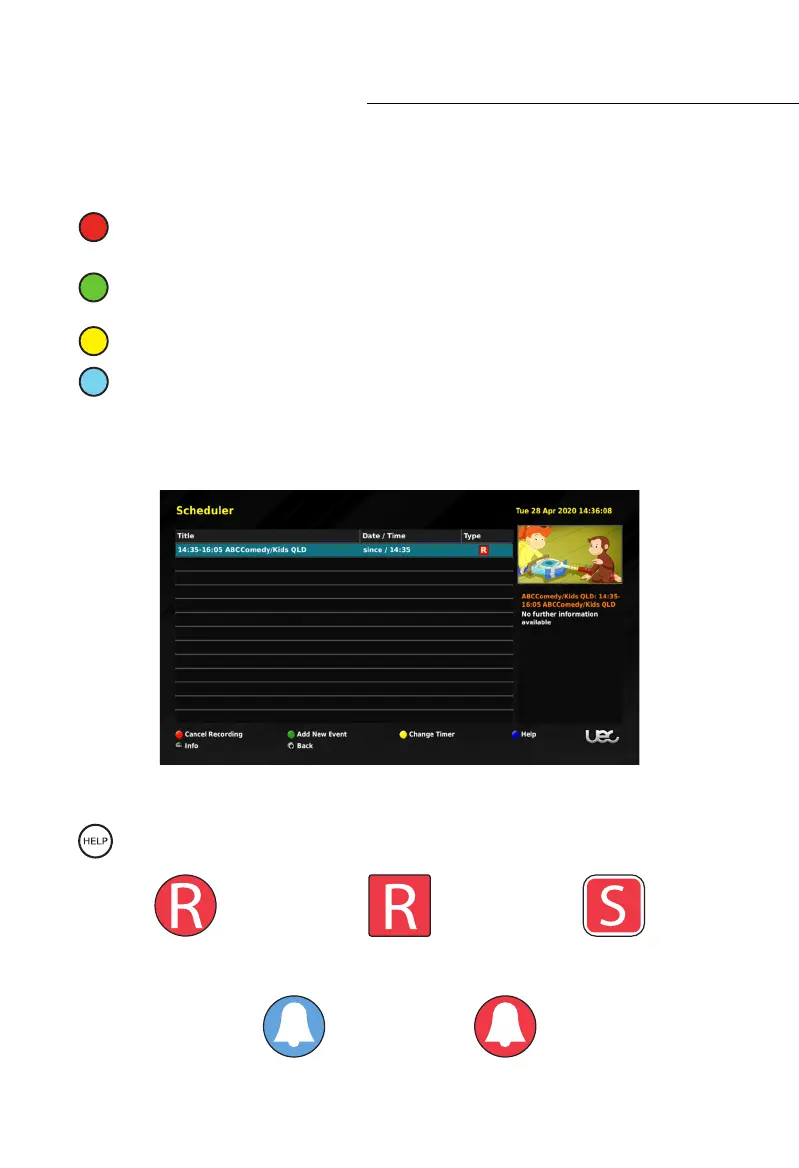
Managing Scheduled Recordings
Once a recording is scheduled, the Coloured Function Buttons now have further actions.
CANCEL RECORDING OR REMINDER: Press the Red (1
st
from left) button while the
desired event is highlighted to cancel or delete it.
ADD A NEW EVENT: Press the Green (2
nd
from left) button to add a new recording or
reminder.
CHANGE TIMER: Press the Yellow (3
rd
from left) button to edit the Timer.
HELP: Press the Blue (4
th
from left) button to get help.
To close this function press the EXIT button on your remote control.
Description of Icons
While in the scheduler press the HELP button to see the Icons and their descriptions.
Event Based
Recording in progress
Custom Duration
Recording in Progress
Series
Recording Scheduled
Banner
Reminder Scheduled
Channel Change
Reminder Scheduled



 To Next Page