35
Parental Controls
Parental Control
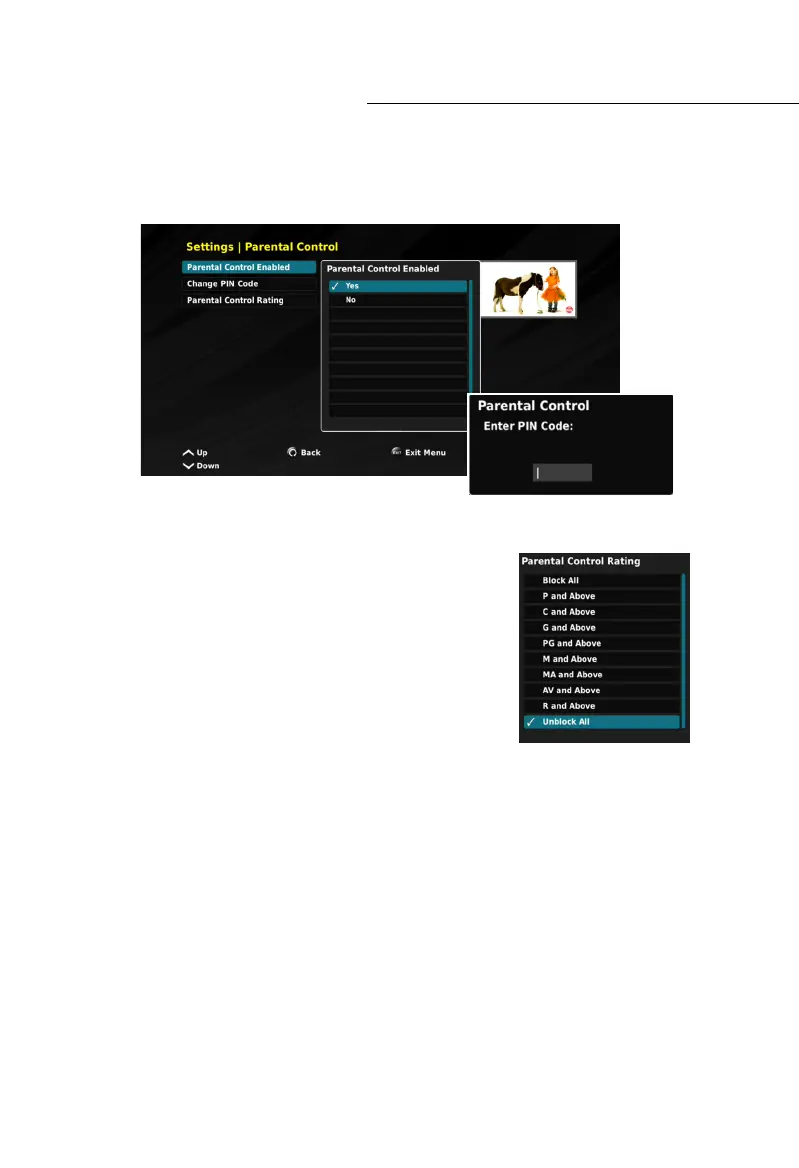
To access the PARENTAL CONTROL menu, you will be required to enter
the default PIN-Code: 1234
Within this menu you have ability to:
• Parental Control Enabled, (Yes or No)
• Change PIN Code (Parental Control only), and
• Parental Control Rating.
Parental Control Rating
The Parental Control Rating enables you to block programs
and recordings, according to the rating provided by the
Broadcaster. The Parental Control PIN Code is required to
access blocked programs and recordings.
Parental Control Incorrect PIN-Code
The user has 3 opportunities to input the correct parental control PIN-code. If the incorrect
PIN is entered 3 times, the Set Top Box will automatically lock-up, except for access to the
Settings Menu. To resolve this issue you must preform a FACTORY RESET. If a FACTORY
RESET is required, all settings will return to their defaults, except for the LNB Settings
and the PARENTAL CONTROL settings which will remain as they were before the reset.
Please note that the parental control function may not be supported in the UEC
STREAMING PORTAL.



 To Next Page