27
Settings
Settings
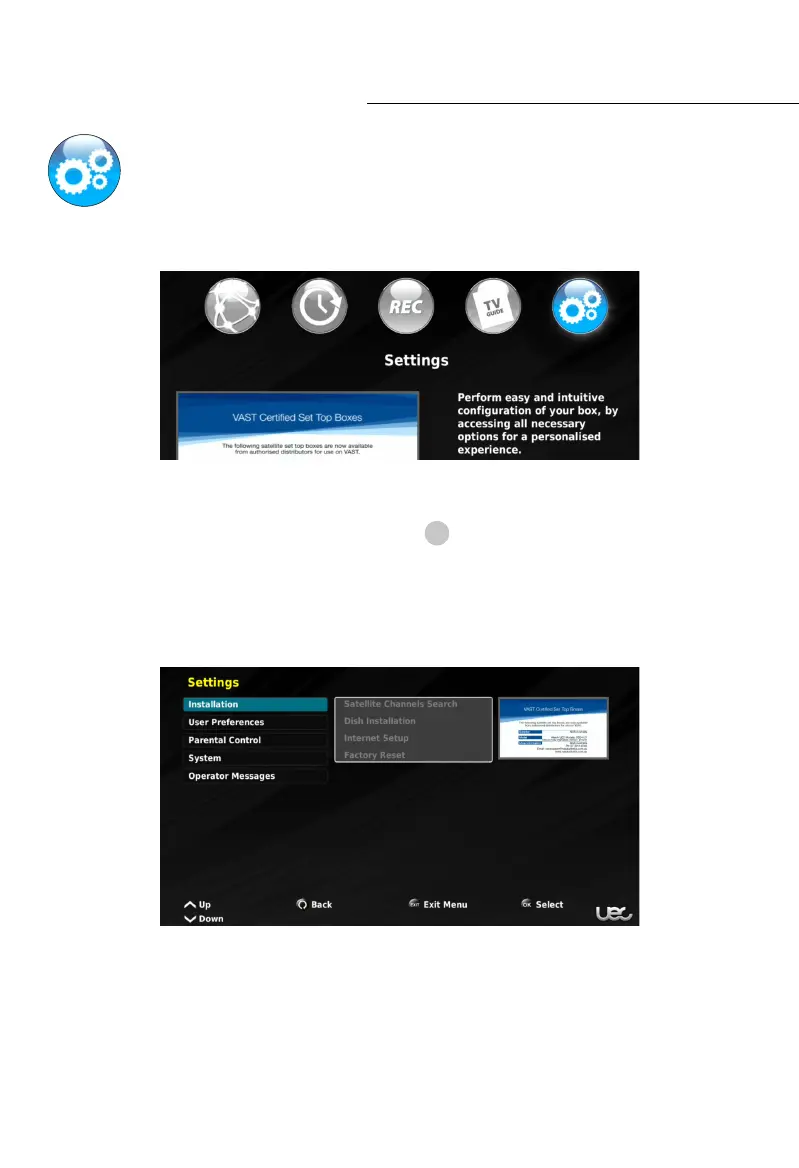
Understanding and navigating the settings menu.
The Settings menu is where you will find the full range of configuration options and
information pertaining to your specific Set Top Box.
In the settings menu you have full, unlimited access to many functions and settings that
have the potential to change the functionality of your Set Top Box. For your convenience,
settings that could cause errors or problems have
!
label (in this manual).
Many of the potentially troublesome settings are configured during the First Time
Setup, and therefore not to be changed without necessity or guidance from a specialized
technician. If you should have issues with your UEC Set Top Box, please contact your installer,
or contact the UEC Service Centre on (07) 3015 8790.
The settings menu is divided into sub-menus. The following pages will go into further details
regarding each setting, it’s functionality and associated action.



 To Next Page