22
First Time Installation
VAST™ Registration Process
After a successful channel scan, the following information will be presented to you on
Channel 800.
• Welcome to the Viewer Access Satellite Television (VAST™) information channel.
• What channels are available on VAST™?
• How do I get access to VAST™ channels.
• Important information including registration.
• Set Top Box – over the air updates.
• Contact details for suppliers are shown. Always contact your own equipment supplier in
the first instance of needing assistance.
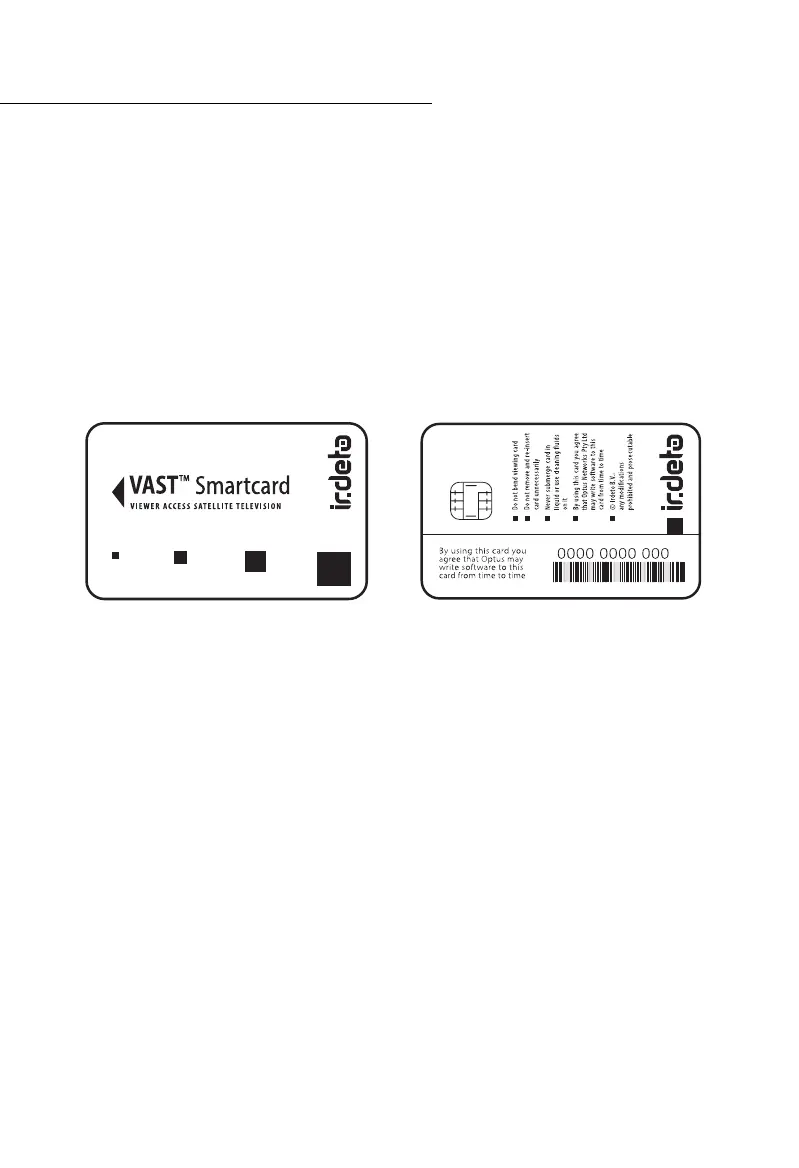
To access VAST™ satellite television programs, you will need to activate your smart card.
However, you must have completed the FIRST TIME INSTALLATION first. If you cannot
see the VAST™ information screen on channel 800, the smart card activation will not
be successful.
In this case, consult the troubleshooting pages, contact your installer or the
UEC help line on (07) 3015 8790.
How to activate your VAST™ Smartcard.
You can do this by calling or visiting the website of either MyVAST (ABC and SBS only) or
MySatTV (all Free to Air Networks).
MyVAST allows you to access the ABC and SBS channels anywhere in Australia.
(https://www.myvast.com.au/vast).
MySatTV allows you to access all regional network Commercial Channels, depending on
your location.
(Call Centre Ph: 1300 993 376 or visit: https://www.mysattv.com.au/).
Choose the Registration (licence) that suits your needs (standard or travellers registration).
Once VAST™ registration and smartcard activation is successful, all services authorised for
your location and STB will be accessible.



 To Next Page