21
Once the search is complete, a window should appear informing you that the “Channel
Search Finished”
*
. The total number of TV and Radio channels you can access, will
be dislayed at the bottom of the screen. Press OK button to close the FIRST TIME
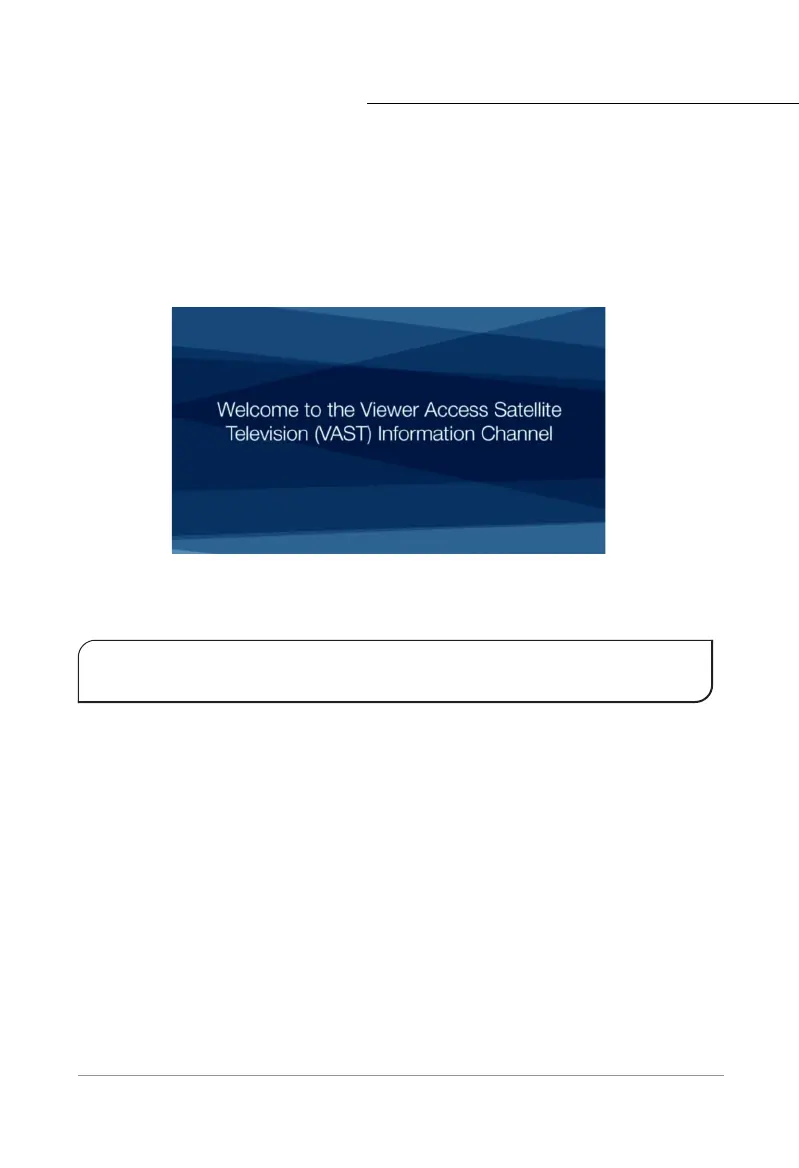
INSTALLATION menu. You should now be able to access the VAST™ Information Channel
(channel 800).
Channel 800 is the landing page for VAST™ devices and it provides helpful information about
VAST™.
Before you can begin watching Satellite Television, you must register your smart card with VAST™.
See “VAST™ Registration Process” on page 22
Please note each time the STB is started from a fully powered down state the STB will
perform SATELLITE CHANNELS SEARCH as required by VAST™.
*Failing to supply the expected signal will result in no services found. The system requires re-checking. See
”Trouble Shooting” on page 47.
First Time Installation



 To Next Page