42
Scheduler
Schedule a New Event
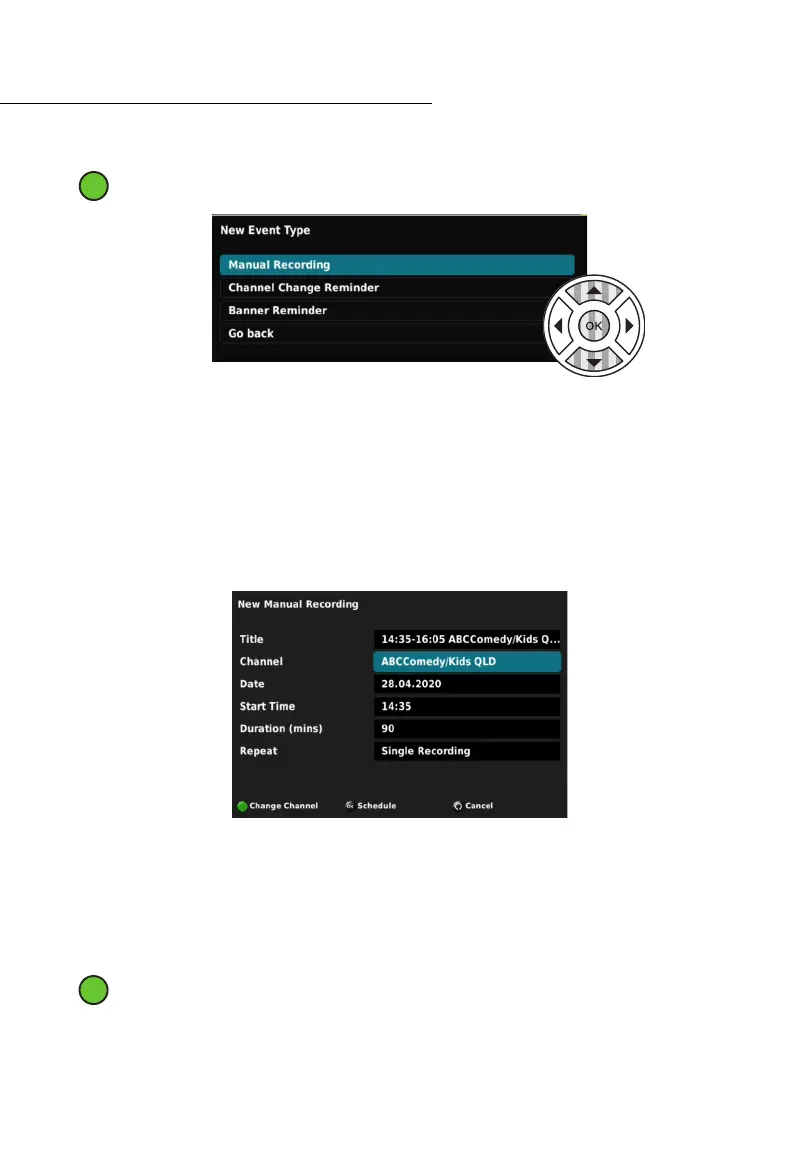
While in the SCHEDULER you can set a new event by pressing the Green (2
nd
from left)
button.
In this menu you can set:
1. An upcoming recording,
2. A channel change reminder, and
3. A banner reminder.
Manual Recording
When scheduling a new recording in the SCHEDULER you must select the Channel, Date,
Start Time, and Total Duration (mins) of the program you wish to record.
You also have the ability to set a Custom Title for your Recording, and for series recordings,
you can set whether the event will repeat. The repeat options are:
• Single Recording,
• All Episodes,
• Daily,
• Weekdays,
• Weekends, and
• Weekly.
While in the MANUAL RECORDING Menu, the Green (2
nd
from left) button action
changes depending on the highlighted field.
For example, while the Channel Field is selected, press the Green (2
nd
from left) button to
select a dierent channel to record from.



 To Next Page