23
Remote Control Functions
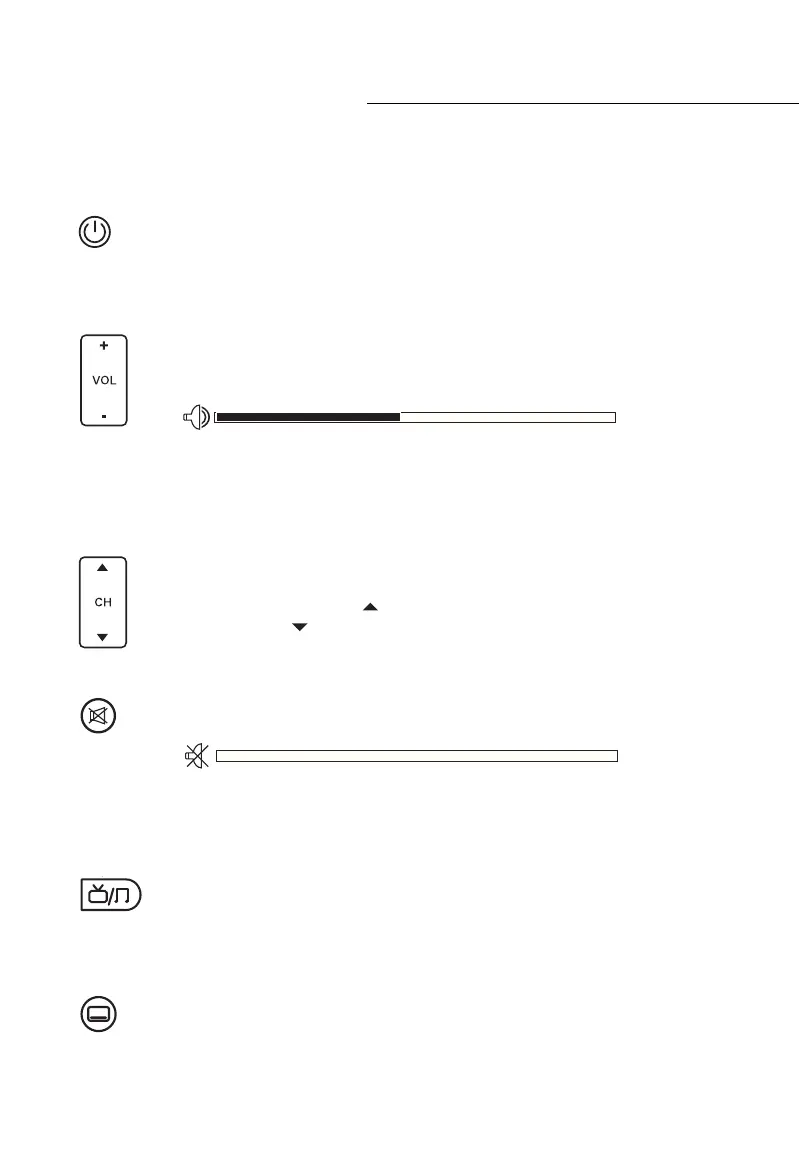
Power
The Power / Standby button turns switches Set Top Box ON and OFF. It functions the
same as the Standby button on the front face of the Set Top Box unit. Keep in mind
this function only controls the UEC Set Top Box. It will not affect your TV or Monitor.
Volume (VOL) Controls
The Volume buttons control the output volume of your Set Top Box. + increases
the volume, and - decreases the volume. When you use the Volume buttons, the
current volume is displayed on your screen as a bar.
Keep in mind this function only affects the UEC Set Top Box. The Volume of your TV or
Monitor will also affect the output. If the audio is too quiet, be sure to also check your
television’s volume.
Channel Controls
The Channel UP/DOWN button changes between channels sequentially according
to the numerical ‘logical channel numbers’ (LCN) assigned by the broadcasters to
their respective channels. CH UP moves forward to the next available channel in
the list and CH DOWN moves back to the previous available channel.
Mute
Pressing the Mute Button silences the audio output of the Set Top Box. To reactivate
the audio either press the Mute button or press a VOL button.
Keep in mind this function only affects the UEC Set Top Box. The Volume of your TV or
Monitor will also affect the audio output.
TV / Radio
Pressing the TV/Radio button allows you to switch between Television and Radio
services. If you have an AV/Home theatre receiver or soundbar connected to the
Set Top Box, you do not need a TV on to listen to the radio.
Subtitles (SUB)
Pressing the Subtitle button activates Closed Caption subtitles to be displayed on
screen. Subtitles will work only if supported by the broadcaster. Not all programs
carry Closed Caption subtitle information.
General Functions



 To Next Page