31
Installation Settings
Factory Reset
Warning! Before performing a factory reset be aware all USER PREFERENCES,
DATA and SETTINGS will be erased permanently (other than Parental Control
Settings and LNB settings). The Set Top Box will return to the default state. Do not
confuse Factory Reset with System Reboot (restart).
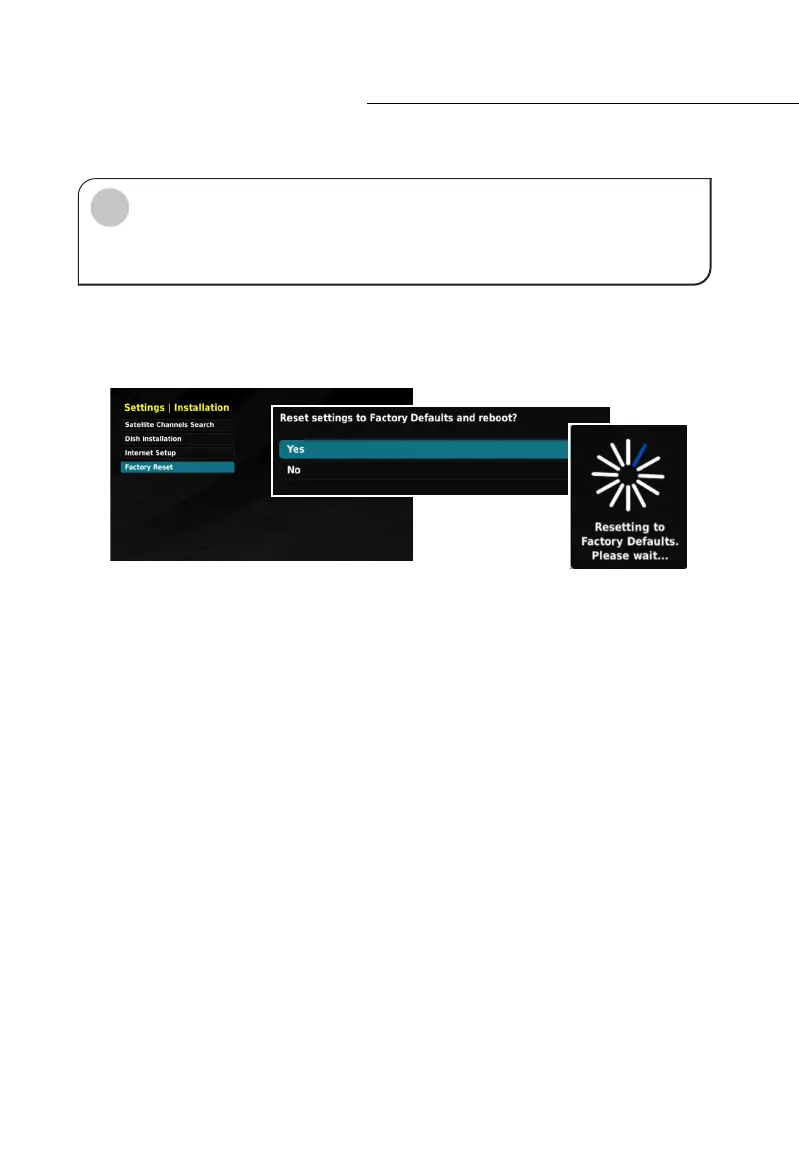
To perform a Factory Reset, you must enter the INSTALLATION settings menu. Use the
NAV buttons to highlight the “Factory Reset” function. Press the OK button. A popup will
appear and ask you to confirm to “Reset to Factory Defaults”.
Select YES using the NAV buttons. Next, your Set Top Box will reboot, this may take a few
minutes. When your STB starts you will be at the FIRST TIME INSTALLATION menu (see
page 19). Follow the on-screen prompts to setup your Set Top Box.
!



 To Next Page