30
Installation Settings
Internet Setup
To use the UEC STREAMING PORTAL, you’ll need to set up a wired network connection
from your home router. See “Optional: Connect Set Top Box to the Internet” on page 18.
The STB is set to acquire an IP address automatically (DHCP), which will also provide the
other settings required to get access to the internet from your router.
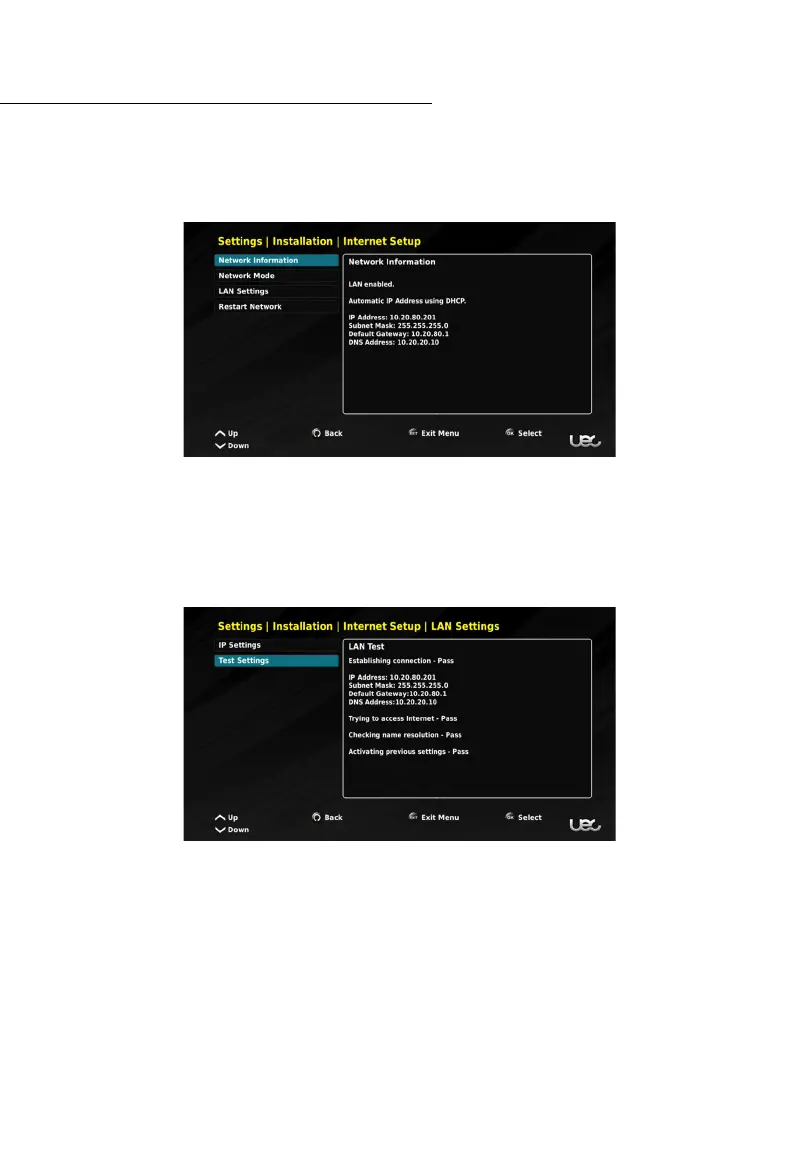
If your Set Top Box is not connecting to the internet once a wired connection has been
made, you will want to check the network settings. This can be completed in the
INTERNET SETUP menu.
From this menu you can view Network Information and test your settings using the Test
Internet Settings option.



 To Next Page