Arrow Manual Console Reference 134
Window Title Bar
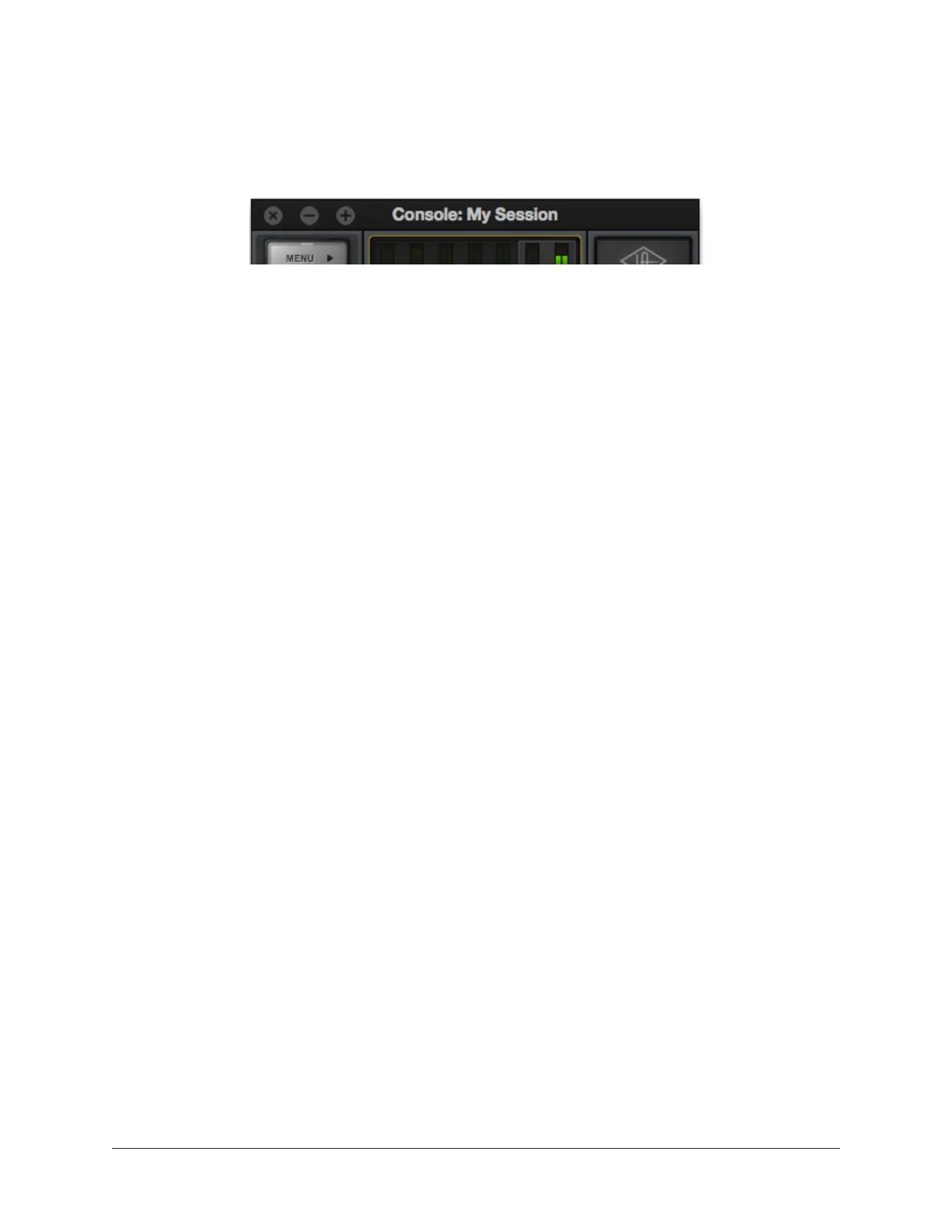
The Window Title Bar is the topmost strip in the Console and Console Settings windows,
as shown below.
The Window Title Bar
Window Name – In the main Console window, the current session filename is displayed
in the title bar. If the session has not yet been saved to disk, “Console” is displayed
here.
Close – Clicking the “x” button closes the Console or Console Sessions window. If the
window is the last open window in the application, Console is quit.
Note: Console’s current settings are saved to disk when quit. When Console is
subsequently launched, those settings are transferred to Arrow.
Minimize – Clicking the “-” button reduces the window to the Dock (Mac) or Taskbar
(Windows). The window can be restored by clicking the minimized window, or any
method detailed in Accessing Console.
Zoom – Clicking the “+” button expands the Console window to the maximum size
available on the screen.















 To Next Page