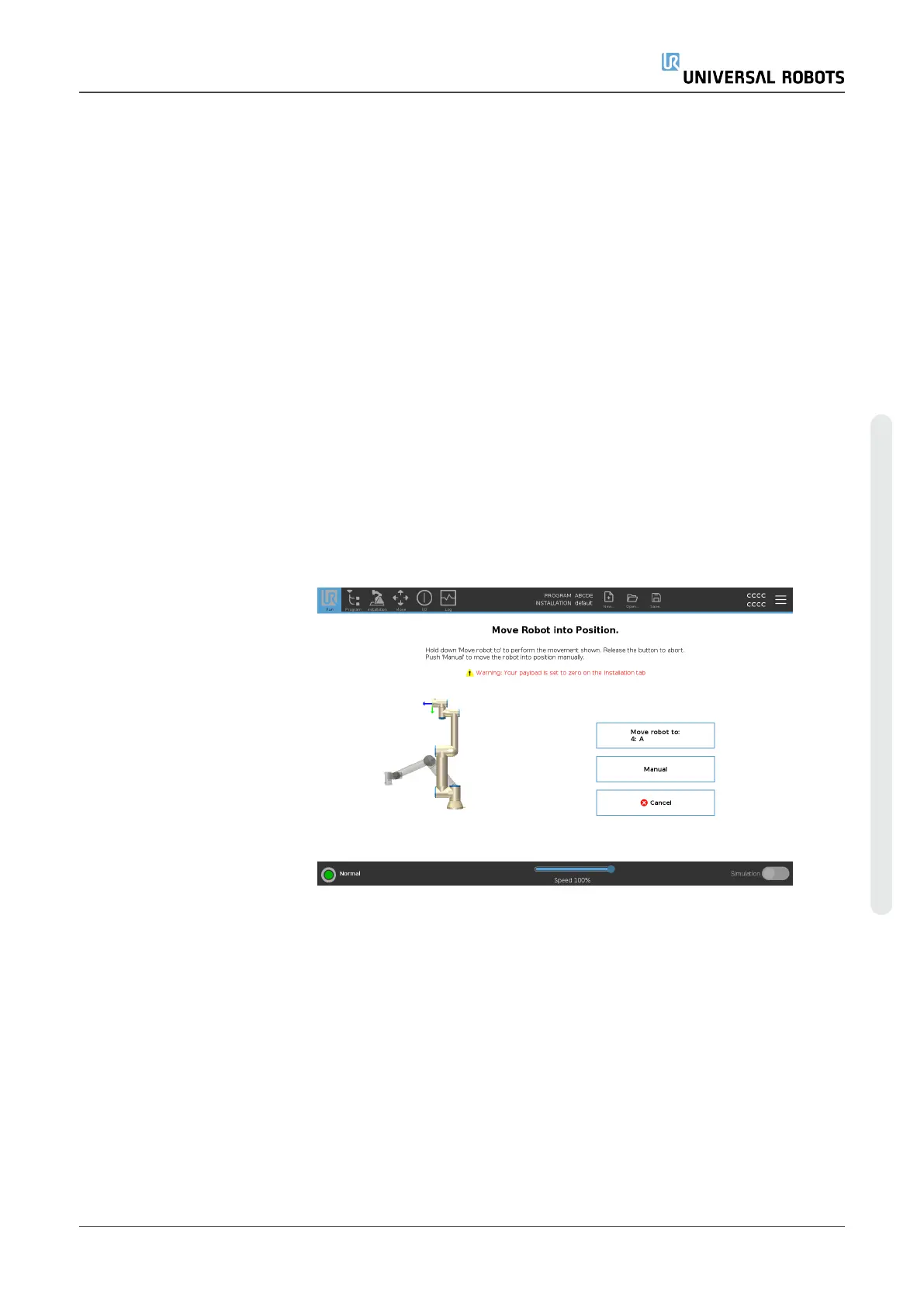
Description Access the Move Robot into Position screen when the Robot Arm must
move to a particular start position before running a program, or when the
Robot Arm is moving to a waypoint while modifying a program.
In cases where the Move Robot into Position screen cannnot move the
Robot Arm to the program start position, it moves to the first waypoint in the
program tree.
The Robot Arm can move to an incorrect pose if:
•
The TCP, feature pose or waypoint pose of the first movement is
altered during program execution before the first move is executed.
•
The first waypoint is inside an If or Switch program tree node.
Accessing the Move
Robot into Position
Screen
1. Tap the Run tab in the header.
2. In the Footer, tap Play to access the Move Robot into Position
screen.
3. Follow the on-screen instructions to interact with the animation and
the real robot.
User Manual 154 UR5e
Copyright © 2009–2023 by UniversalRobotsA/S. All rights reserved.














 To Next Page