Safety The Safety password prevents unauthorized modification of the Safety
settings.
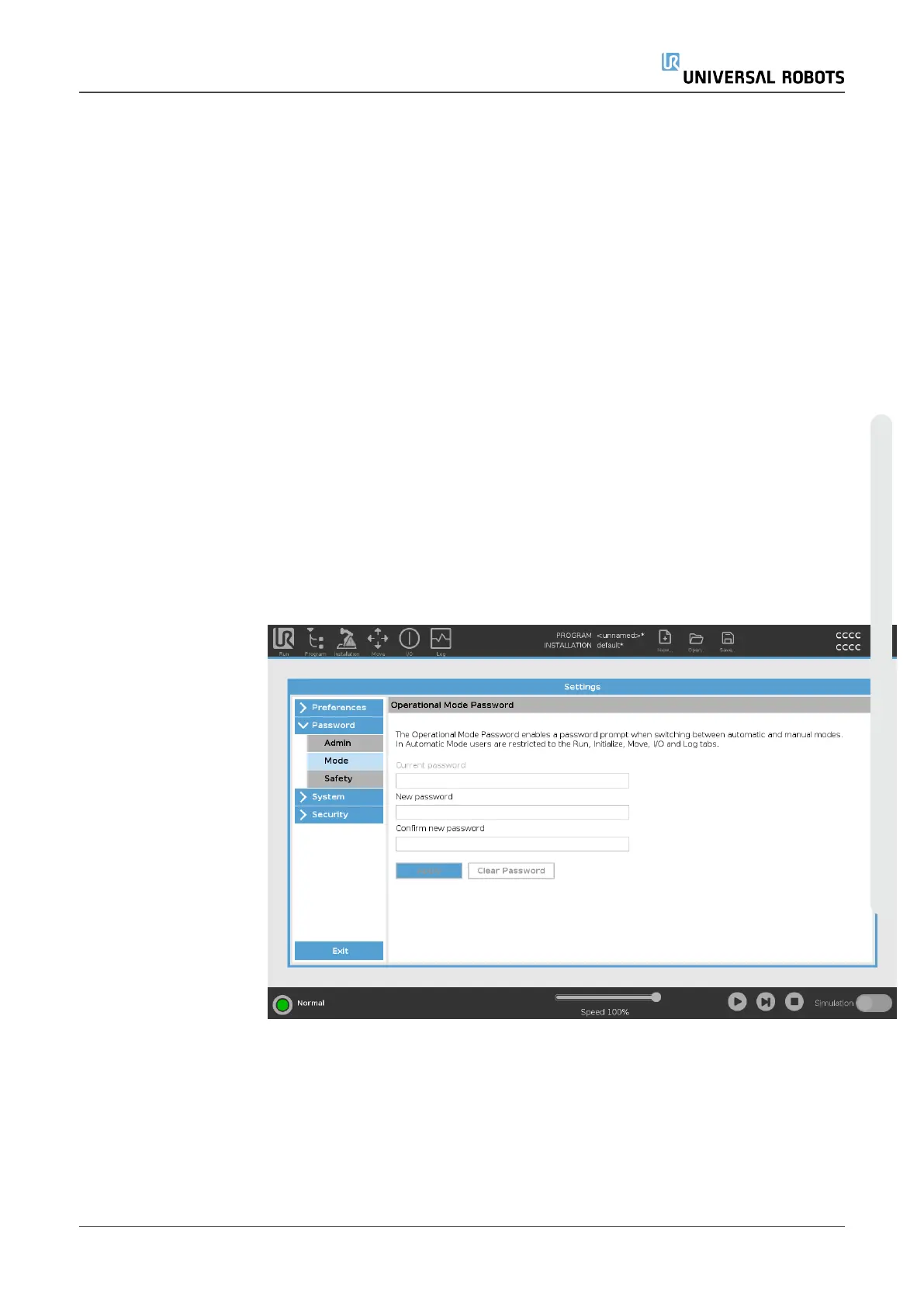
Operational Mode Password
Description The Operational Mode Password, or mode password, creates two different
user roles on PolyScope:
•
Manual
•
Automatic
When the mode password is set, programs and installations can only be
created and edited in Manual mode. Automatic mode only allows the
operator to load pre-made programs (see 3.1.9. Operational Mode
Selection on page118 for more information on the modes). Once a
password has been set, a new Mode icon appears in the Header.
Switching operational modes, from Manual to Automatic and from
Automatic to Manual, causes PolyScope to prompt for the new password.
User Manual 340 UR5e
Copyright © 2009–2023 by UniversalRobotsA/S. All rights reserved.














 To Next Page