D291308.7M.fm Main Screen Details
Chapter 3: Operation 31
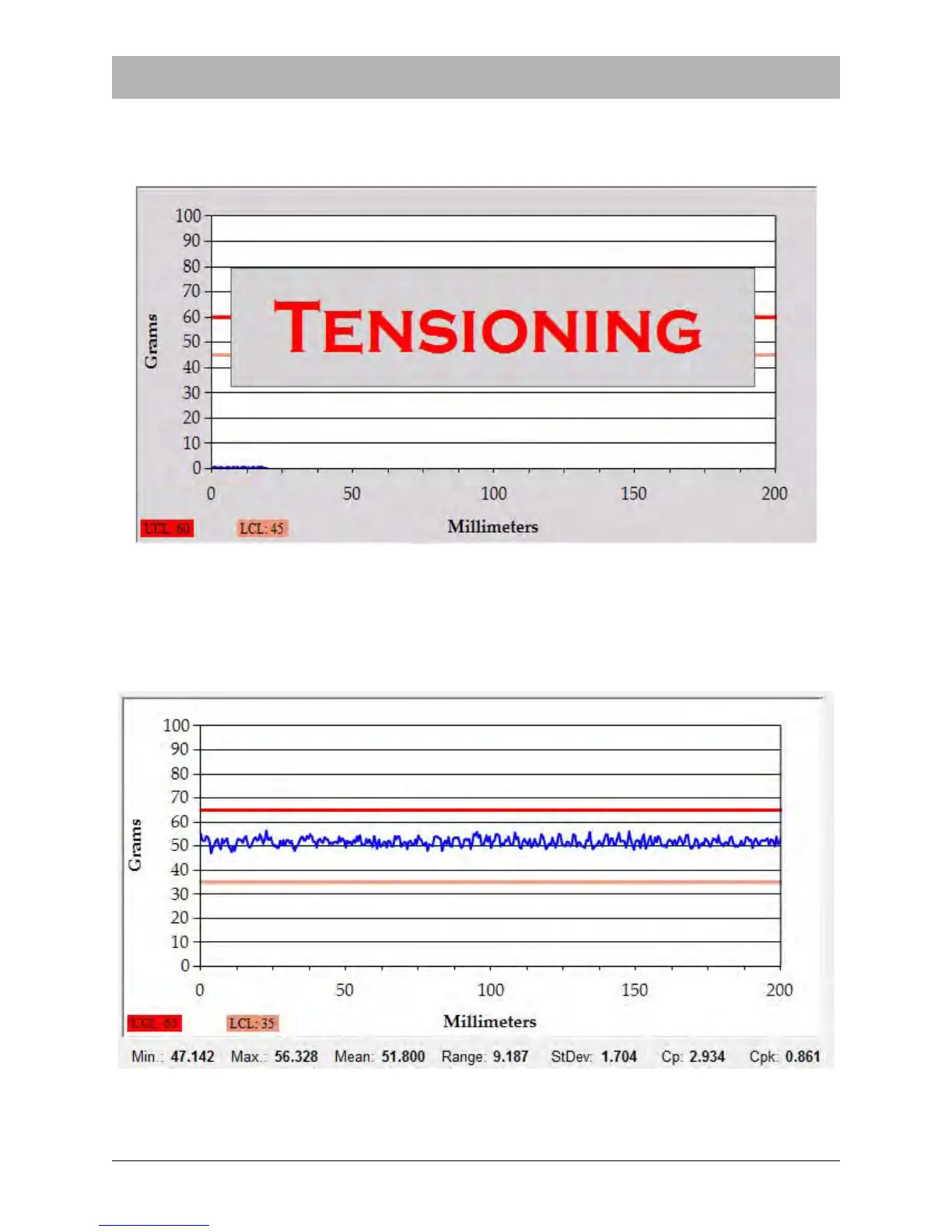
If Auto Tensioning is configured in the Supervisor Settings screen, the graph will appear as
below while auto tensioning is in progress. Once Auto Tensioning is complete, the PT-55 will
automatically begin the pull test.
During and after a peel test, the Peel Test Graph displays the test results. The test below shows
a test with Moving Average Disabled in the Supervisor Screen. All readings are between the
Upper and Lower Limit values, a PASS result.



 To Next Page