36 PT-55 User’s Guide
Main Screen Details D291308.7M.fm
Control Buttons.
There are eight control buttons in the bottom right corner of the
Main Screen.
Start Test
Clicking on Start Test initiates the Seal Test process, setting the
carriage motion and graphing results on the Main Screen.
Stop Test
Clicking on Stop Test completes the Seal Test process and dis-
plays a Pass or Fail message in the Main Screen.
Note: Seal Tests stop automatically when the test reaches its Pull Length setting. Clicking
Stop Test allows the operator to stop the test as soon as enough data is gathered.
Save File
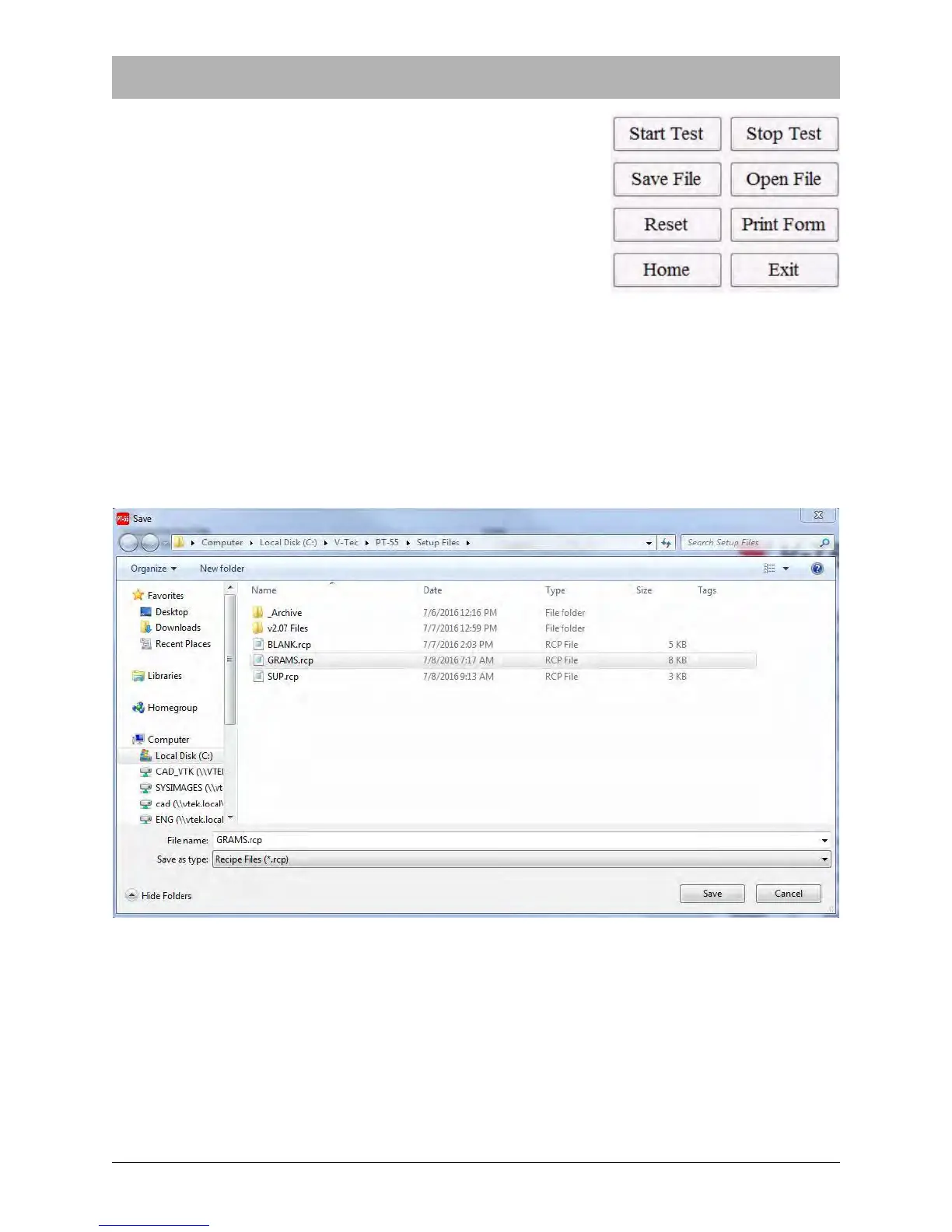
Clicking on Save will bring up the screen below. Files are automatically saved in Recipe (*.rcp)
format..
Choose a name for the file, select a location, and click on OK. The default location is V-TEK\PT-
55\Setup Files. This folder is automatically created when the software is installed.



 To Next Page