D291308.7M.fm Main Screen Details
Chapter 3: Operation 37
Open File
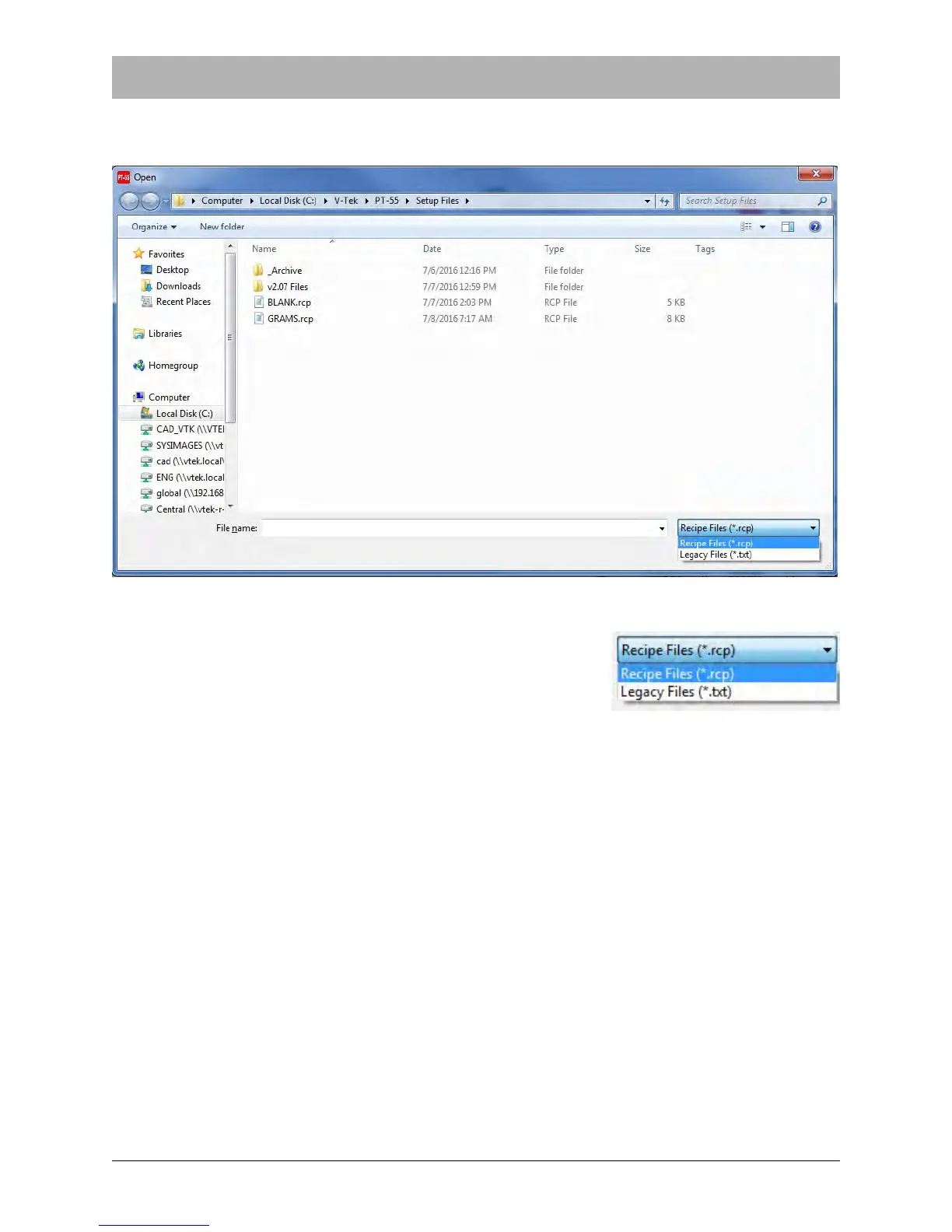
Clicking on Open File will allow the operator to select from any previously saved jobs..
Note: Files are automatically saved to a Recipe (*.rcp) for-
mat. However, if earlier versions of PT-55 software were
used to save files, they will appear as Legacy (*.txt) files.
Reset
Clicking Reset will prepare the software to perform another test using the same parameters as
the test just completed.



 To Next Page