38 PT-55 User’s Guide
Main Screen Details D291308.7M.fm
Print Form
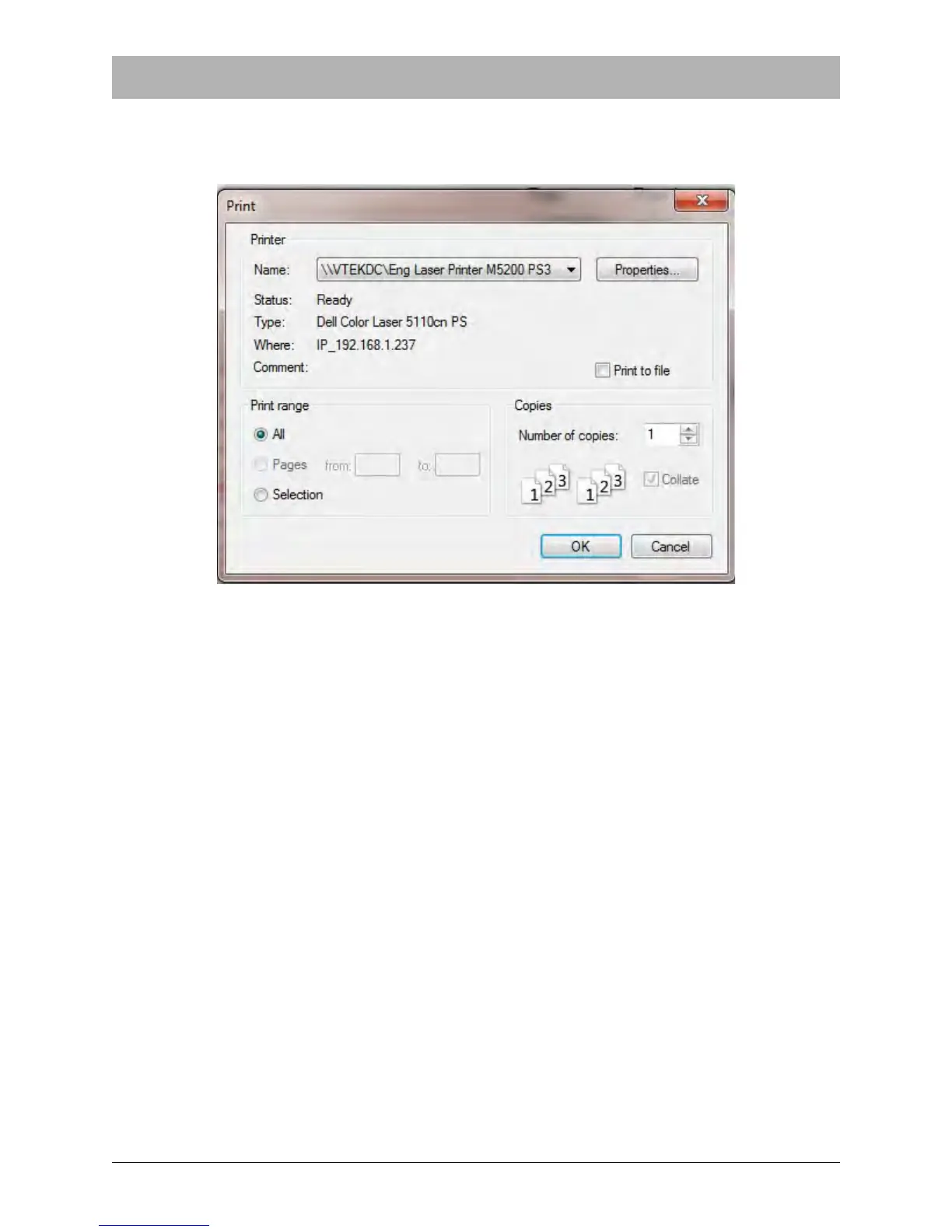
Clicking on Print Form will bring up the screen (or one very similar) shown below. It is suggested
that landscape orientation be used when printing. Select the printer and then click on OK.
An exact copy of the screen (including the test and customer data) will be printed. The printout
can then be kept for records.
Home
Press Home to reset position of carriage for next peel force.
Exit
The Exit button will close the PT-55 software program. This button can be clicked at any time. All
data which has not been saved will be erased.



 To Next Page