D291308.7M.fm Supervisor Settings Screen
Chapter 3: Operation 45
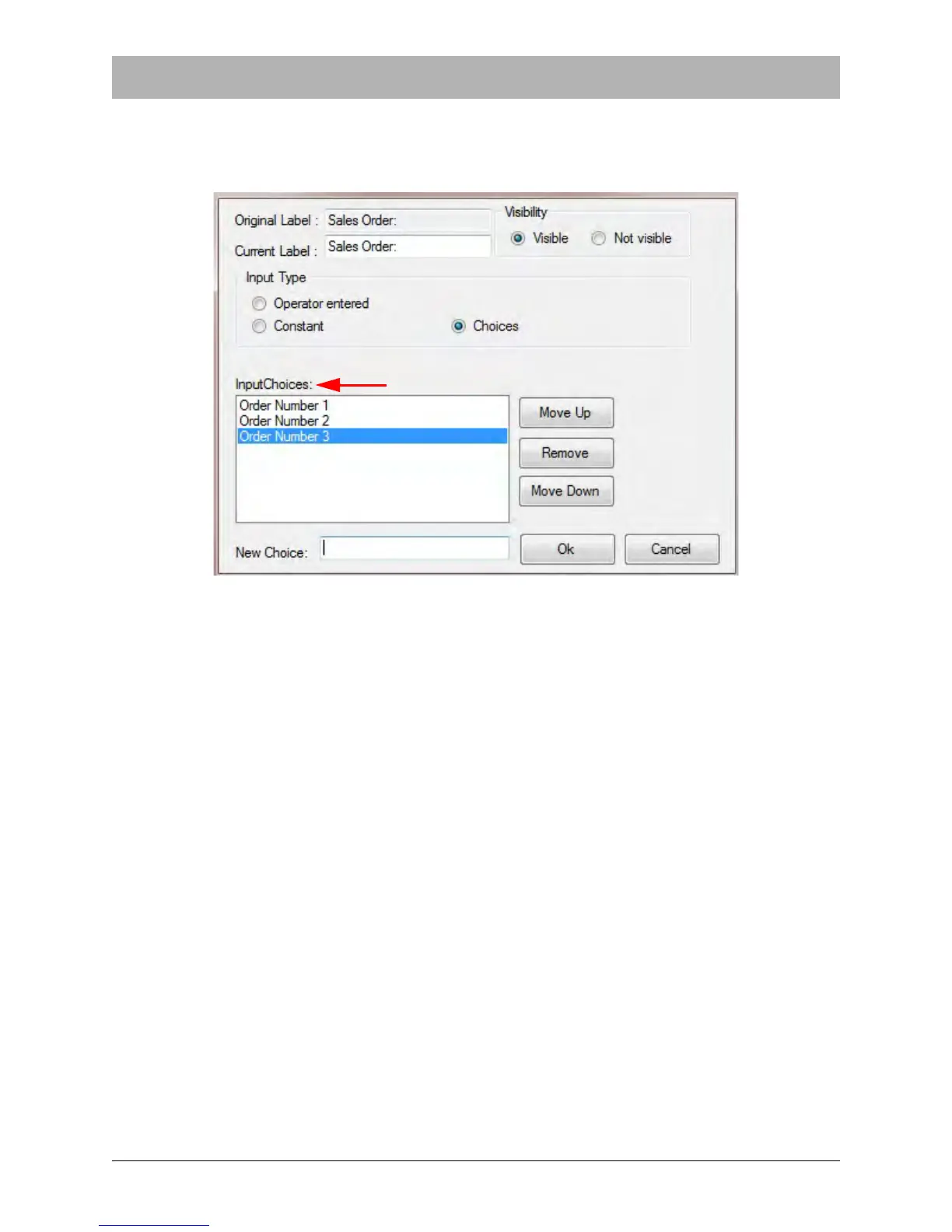
Choices Input Type
When Choices is selected, an Input Choices section appears in the Change Data form. This
allows the supervisor to create a selection drop box for the field.
To create a drop-down option, enter the desired text in the New Choice field at the bottom of the
screen, then press the Enter key. The new option will now appear in the Input Choices section.
To change the order of appearance for the Input Choices options, select a choice then click the
Move Up or Move Down buttons until the choice is in the desired location.



 To Next Page