48 PT-55 User’s Guide
Supervisor Settings Screen D291308.7M.fm
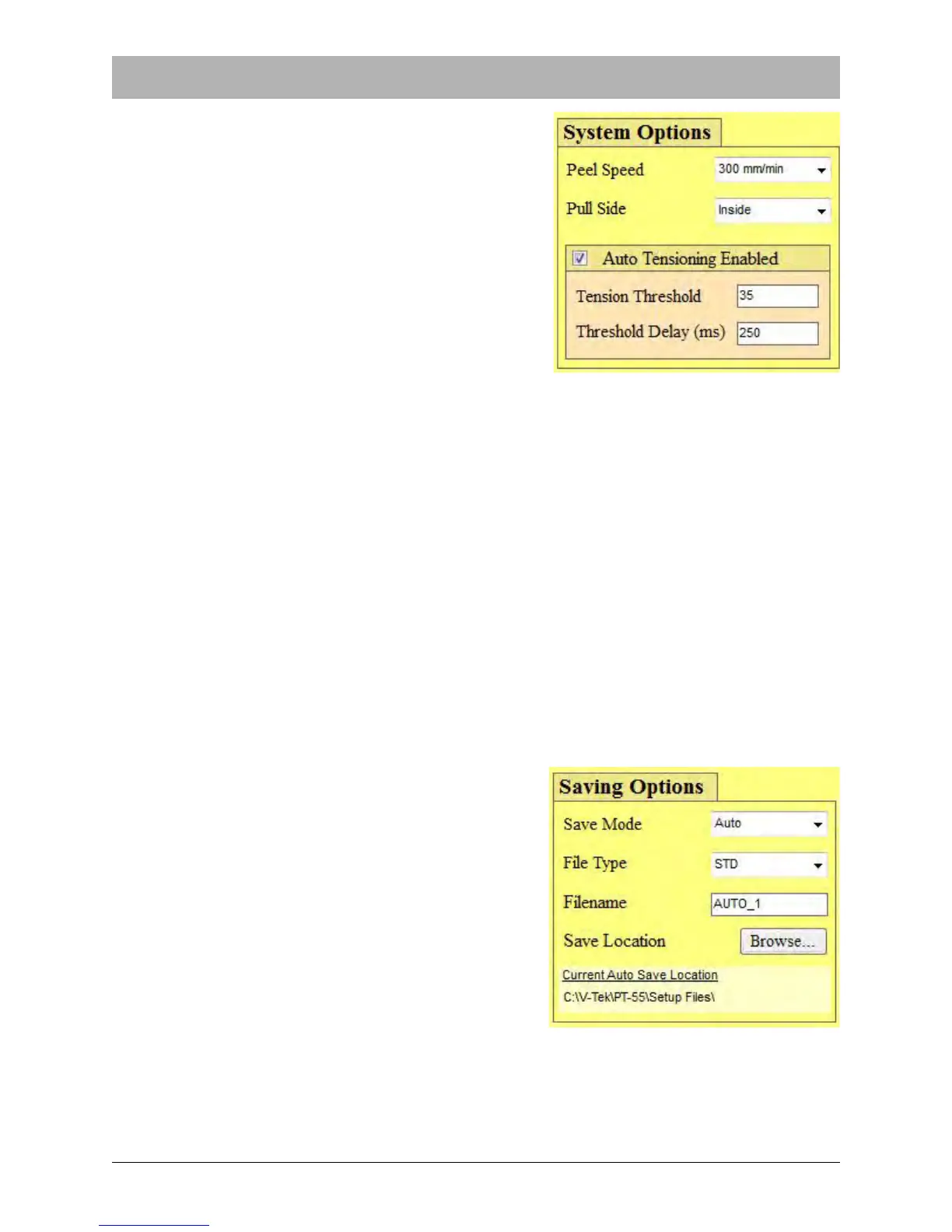
SYSTEM OPTIONS
The Test Options section is used to configure the peel
force test settings.
Peel Speed
Peel Speed indicates the speed that the carriage will
move at during a pull test. There are two options: 300
mm/min and 120 mm/min.
Pull Side
Pull Side indicates where the alligator clip and load cell
are positioned in relation to the cover tape. There are
three Pull Side options: Inside, Outside, Center.
While most tests will center the load cell on the cover
tape to test both sides of the seal, it is possible to slice the cover tape down the middle and then
position the load cell on either the left or right side of the tape to test the seal on that specific side.
Auto Tension Options
The auto tension feature eliminates having to jog the tape to apply pressure when starting a peel
force test. When auto tension is selected and a value is entered, the peel force graph will wait
until the auto tension value is reached. After this, it will reset the graph and will start plotting the
peel force test.
The Auto Tension Checkbox default setting is ON (checked). The Auto Tension Value is the
tension applied to the cover tape by the load cell. It should be set slightly higher than the Lower
Control Limit. The Auto Tension Delay is the time in milliseconds from which the carriage
assembly starts moving and when the graph starts plotting.
SAVING OPTIONS
The Saving Options section is used to configure the
save settings.
Save Mode
The auto save feature allows the user to select between
three types of saving options; Manual, Auto, and Sales
Order.
In Manual save mode, the operator must manually
press the Save File button each time a save is desired.
In Auto Save mode, a peel force test is automatically
saved to a specific file name and location once the test
is completed. In Sales Order mode, the file is saved to
a specific location under the sales order number.
Note: The default auto save location is C:\V-
TEK\PT-55\Setup Files. This directory is created upon the initial load of the software.



 To Next Page