56 PT-55 User’s Guide
Configuring & Running a Peel Test D291308.7M.fm
7. In the Main Screen, type in the desired pull length in the Pull Length field. Pull Length should
be set between 0-200 mm.
Note: If the Pull Length is set to 0, the pull test will default to the X Axis Maximum which was
set in the Supervisor Settings screen. If the X Axis Maximum setting is different than the Pull
Length setting, the pull test will stop at whichever length is shortest.
8. Click the Save File button to create a Master Form, if desired.
Note: for more details on creating a Master Form, proceed to the next section in this chapter.
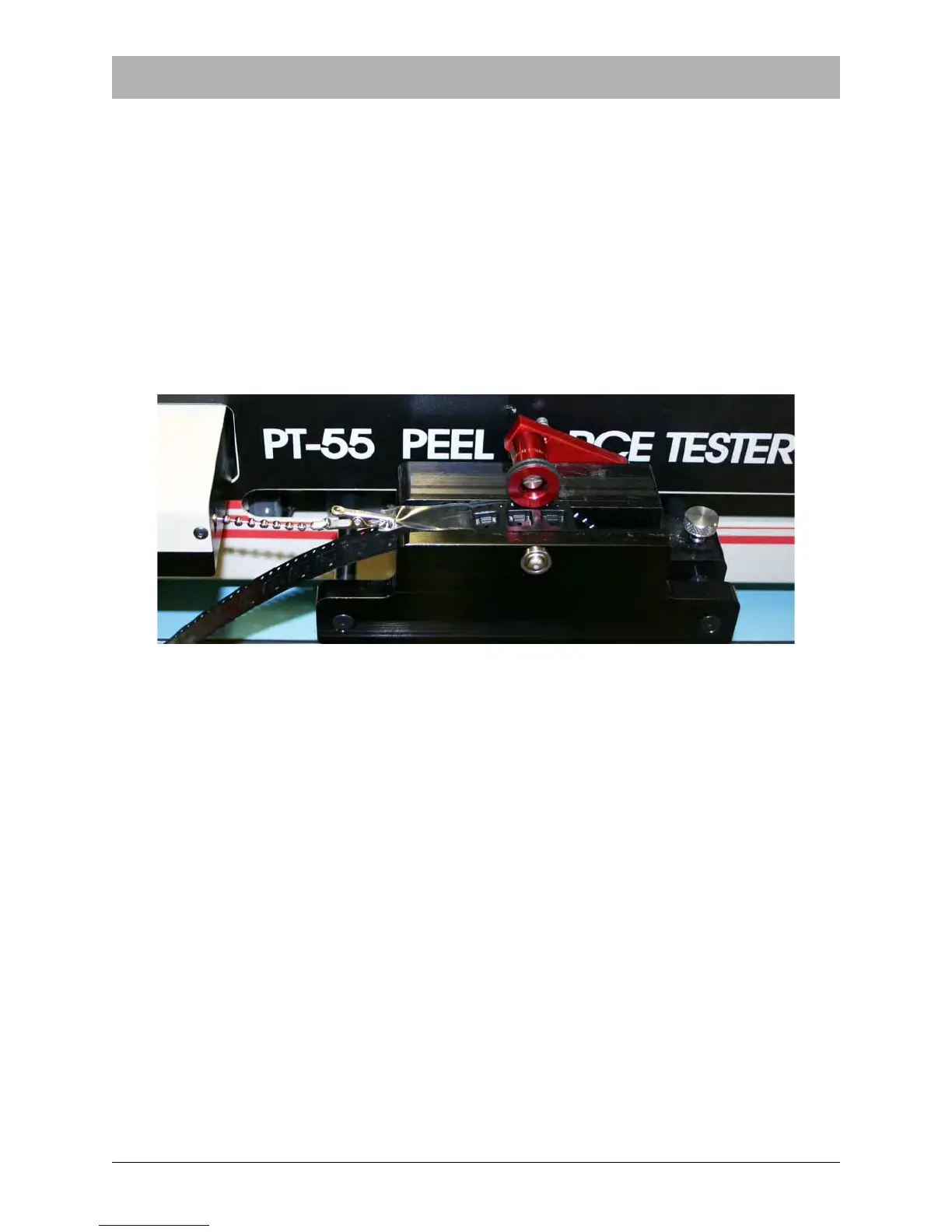
9. Ensure sealed tape sample is loaded properly and carriage is in the Home position.



 To Next Page