Operation and configuration
2 Local panel user interface
2.4 Configuration and parameter
setting
VAMP 24h support phone +358 (0)20 753 3264
2.4.2. Setting range limits
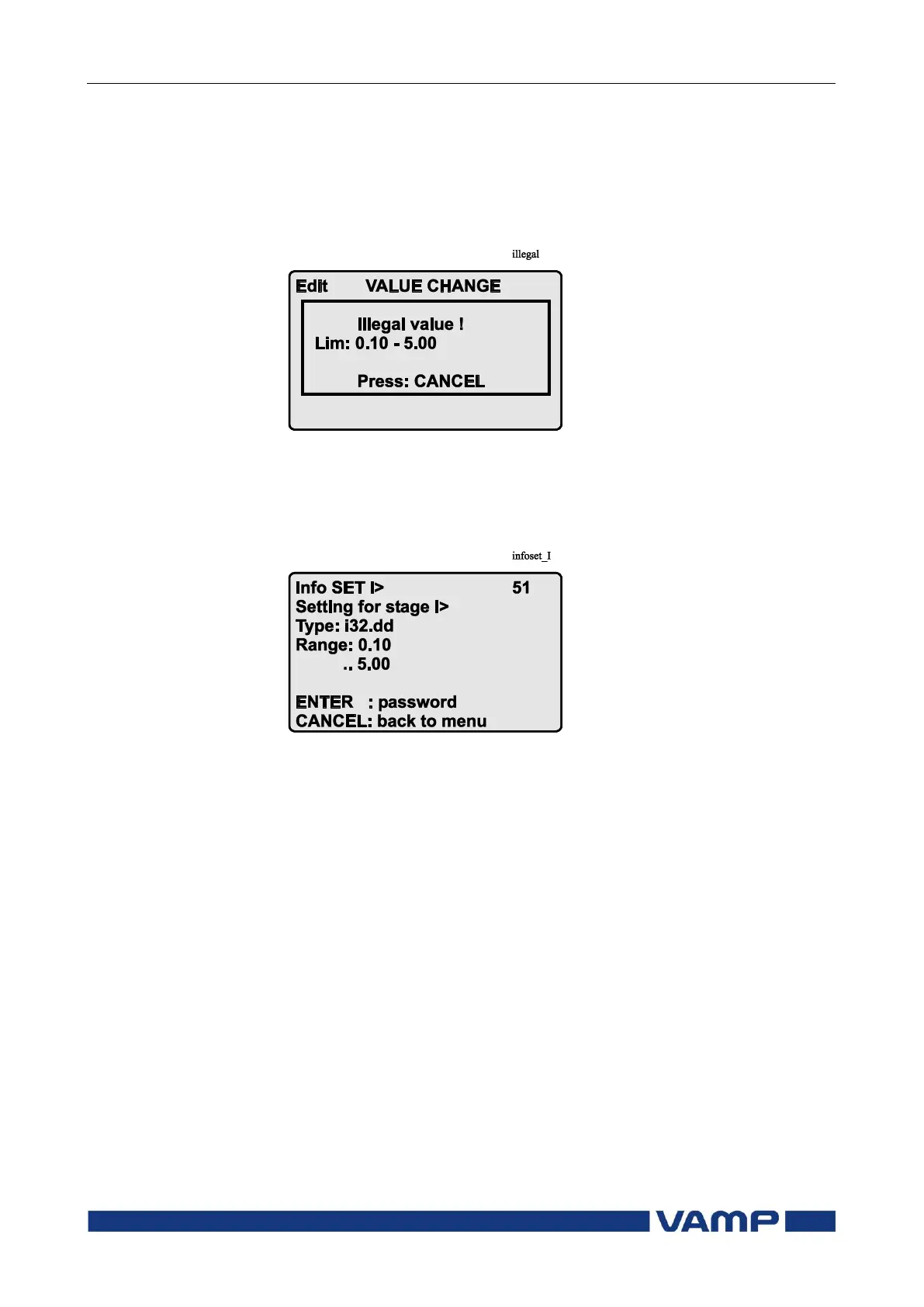
If the given parameter setting values are out-of-range values, a
fault message will be shown when the setting is confirmed with
the ENTER key. Adjust the setting to be within the allowed
range.
Figure 2.4.2-1 Example of a fault message
The allowed setting range is shown in the display in the setting
mode. To view the range, push the INFO key. Push the
CANCEL key to return to the setting mode.
Figure 2.4.2-2. Allowed setting ranges show in the display


 To Next Page