25
English
RDS operation
3. PTY selection mode is automatically cancelled
7 seconds after a PTY station is set.
●●
●●
● Cancelling PTY stand-by mode
If the PTY button 8 is pressed for more than
1 second, ”PTY” and the unit quits PTY stand-
by mode.
● Cancelling a PTY station interruption
If the PTY button 8 is pressed during a PTY
programme interruption in order to recall the
sub-menu, the PTY interruption is cancelled and
the unit returns to PTY stand-by mode.
PTY search
1. Switch to programme type selection mode
by pressing the PTY button 8.
2. Select the programme type.
3. Actuate SEARCH button 2 on right or left
side. If the button is actuated on the right,
the unit searches for stations of a higher fre-
quency; if the button is actuated on the left,
the unit searches the lower frequencies.
* The unit returns to standard mode if no station of the
entered programme type can be received.
PTY preset memory
1. Switch to programme type selection mode
by pressing the PTY button 8.
2. Select the programme type.
3. If one of the preset buttons c is pressed for
longer than 2 seconds, the selected pro-
gramme type is stored under this button.
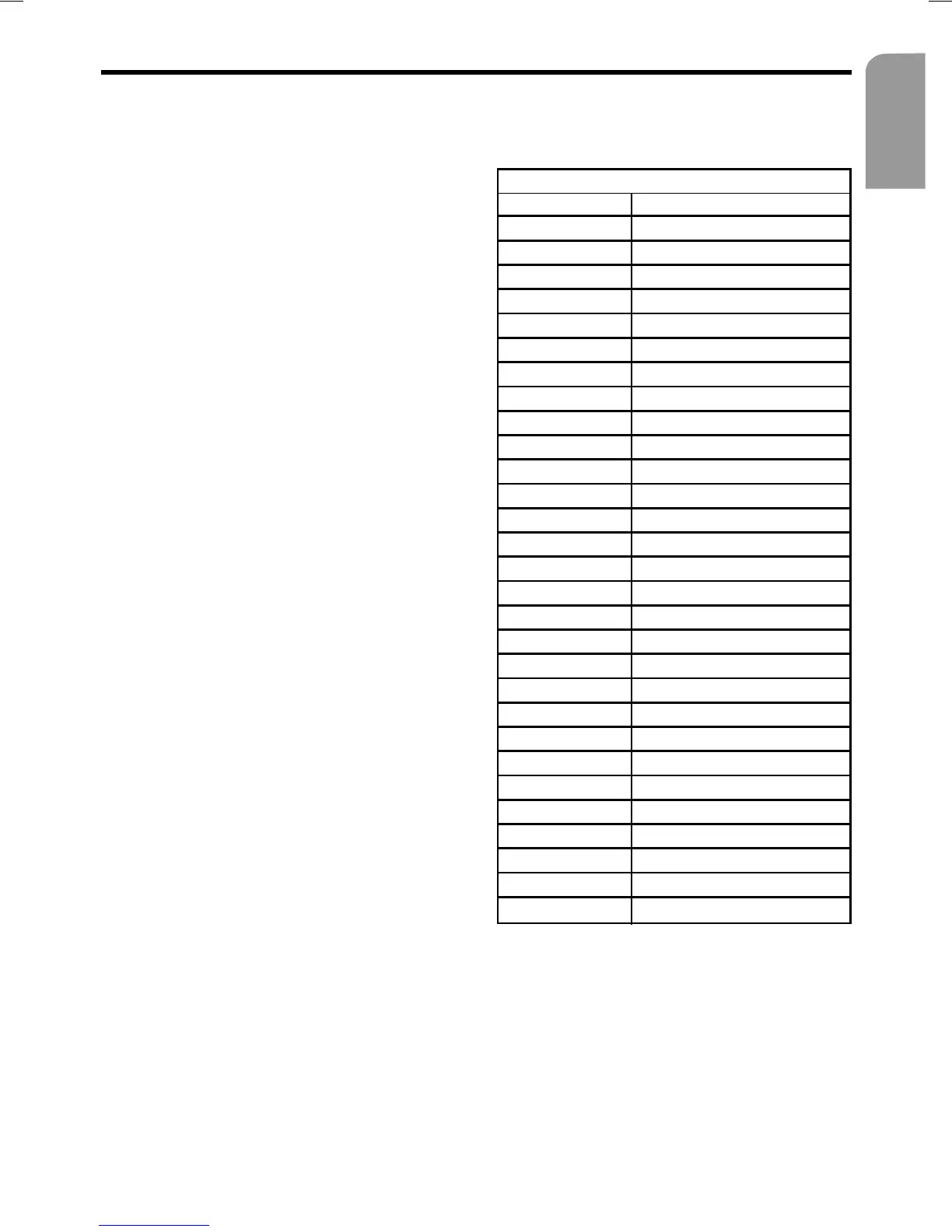
PTY name
ENGLISH Contents
NEWS News
POLITICS Current affairs
INFO Information
SPORT Sport
LEARNING Education
DRAMA Drama
CULTURE Culture
SCIENCE Science
ENTERT. Entertainment
POP M Pop music
ROCK M Rock music
MORM Middle of the road music
LIGHT M Light music
CLASSICS Classical music
OTHER M Other music
WEATHER Weather
FINANCE Finance
CHILDREN Children’s’ programme
SOCIAL A Social affairs
RELIGION Religion
PHONE-IN Phone-in
TRAVEL Tr av el
LEISURE Leisure
JAZZ Jazz
COUNTRY Country
NATIONAL Traditional music
OLDIES Oldies
FOLK M Folk music
DOCUMENT Documentaries
It is possible to select from the 29 PTY pro-
gramme types listed in the table.


 To Next Page
 Loading...