52
UM150 User’s Manual
52
UM150 User’s Manual
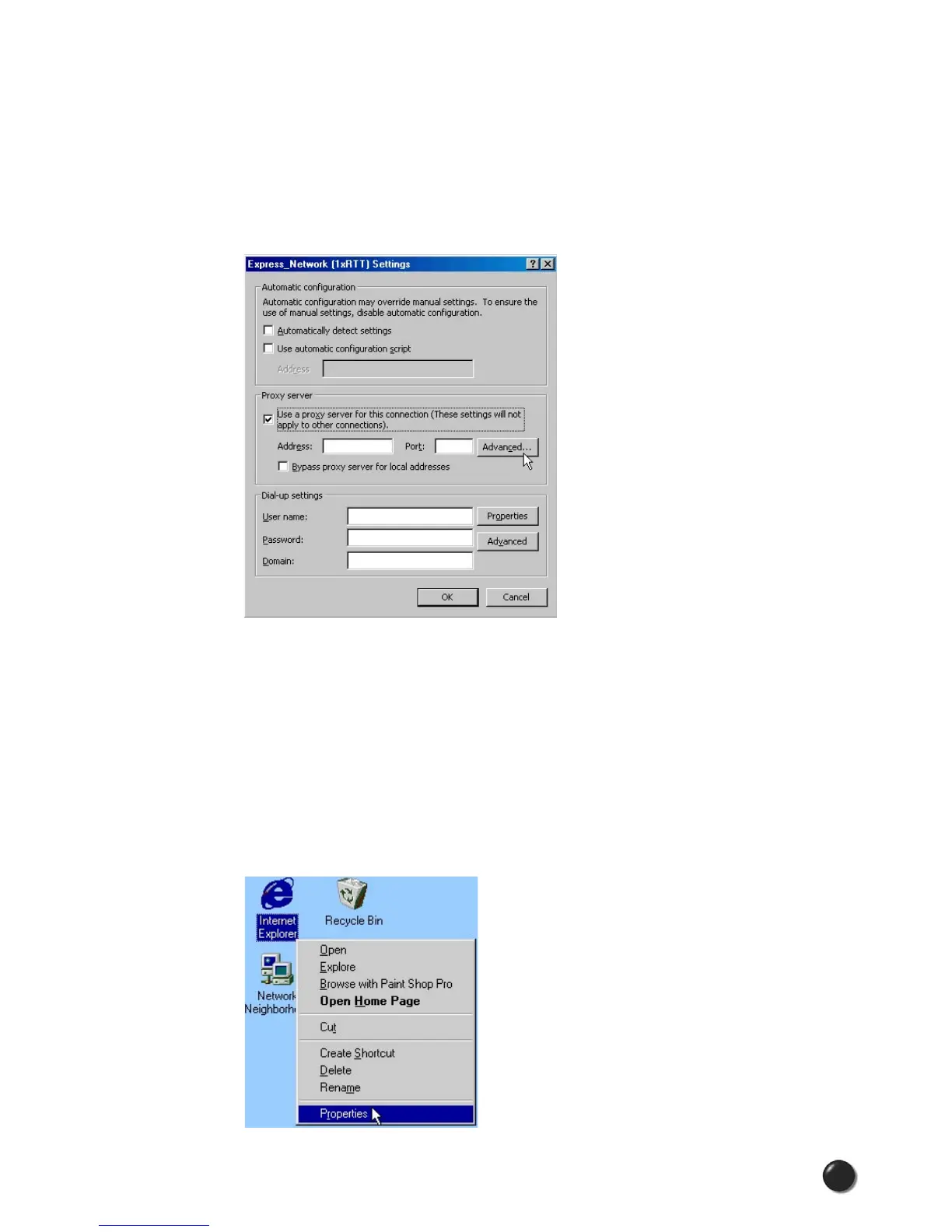
STEP 5: The settings will be displayed. You can now enter the same proxy settings
you recorded in Step 3, if you desire to use VPN and your proxy settings with these
connections. If necessary also enter the information recorded from the screen that
appears after selecting the “Advanced” button. To disable proxy settings for these
connections you would have to uncheck the “Use proxy server...” box. Proxy settings
must be disabled to access the Internet directly when using these connections
without VPN.
Proxy Settings if using Internet Explorer 4.x
In Internet Explorer 4.x, proxy settings are global and have to be turned off when
accessing the Internet directly through BroadbandAccess or NationalAccess
and back on if required by your company when using their network to access the
Internet or when using VPN.
STEP 1: Right-click on the Internet Explorer icon and go to properties (or if Internet
Explorer is already open go to View then Internet Options...).



 To Next Page