NETWORK SETTINGS
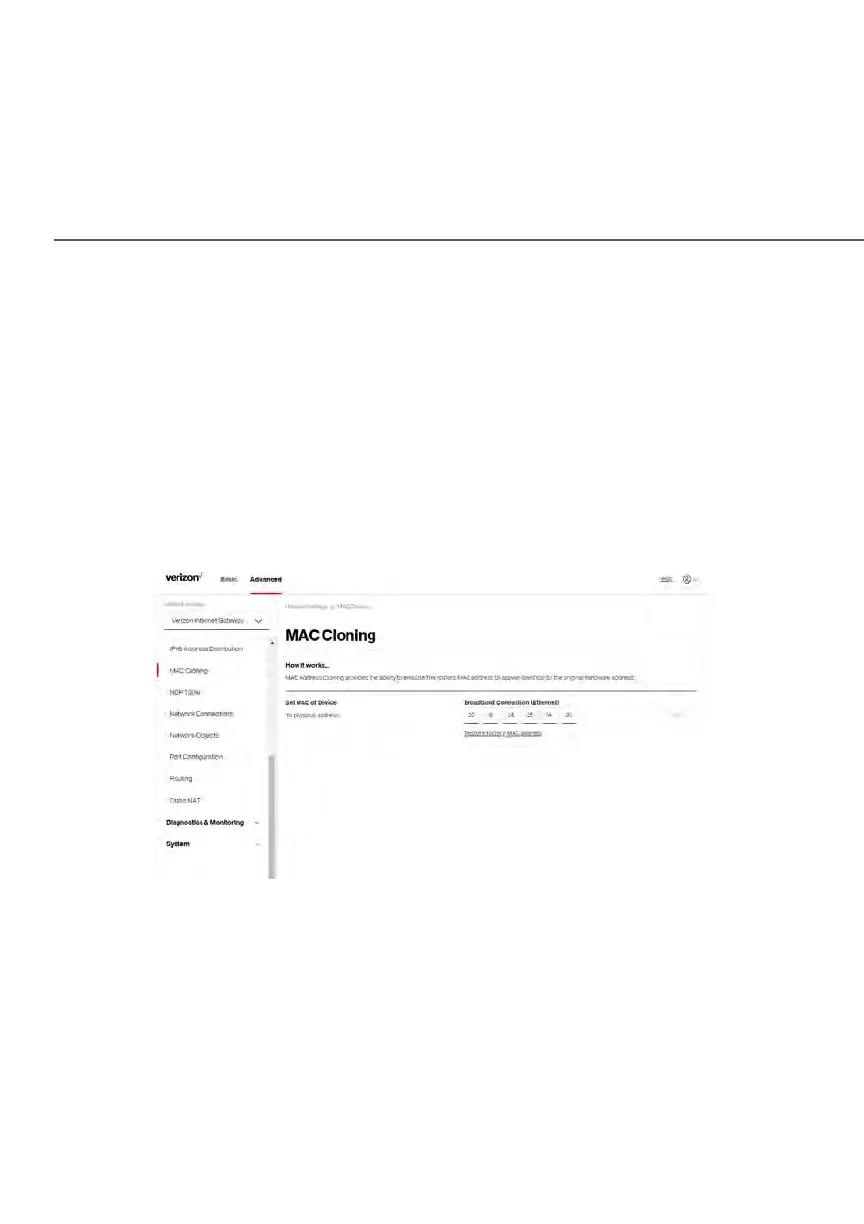
5.1 g/ MAC CLONING
A MAC address is a hexadecimal code that identifies a device on a network. All
networkable devices have a unique MAC address.
When replacing a network device on your Verizon Business Internet Gateway,
you can simplify the installation process by copying the MAC address of the
existing device to your Verizon Business Internet Gateway.
To copy the MAC address of the existing device:
1. Select MAC Cloning in the Network Settings section.
2. In the To physical address field, enter the MAC address of your new
device.
3. To locate the MAC address, refer to the documentation from the device
manufacturer.
4. Click Apply to save changes.















 To Next Page