SYSTEM
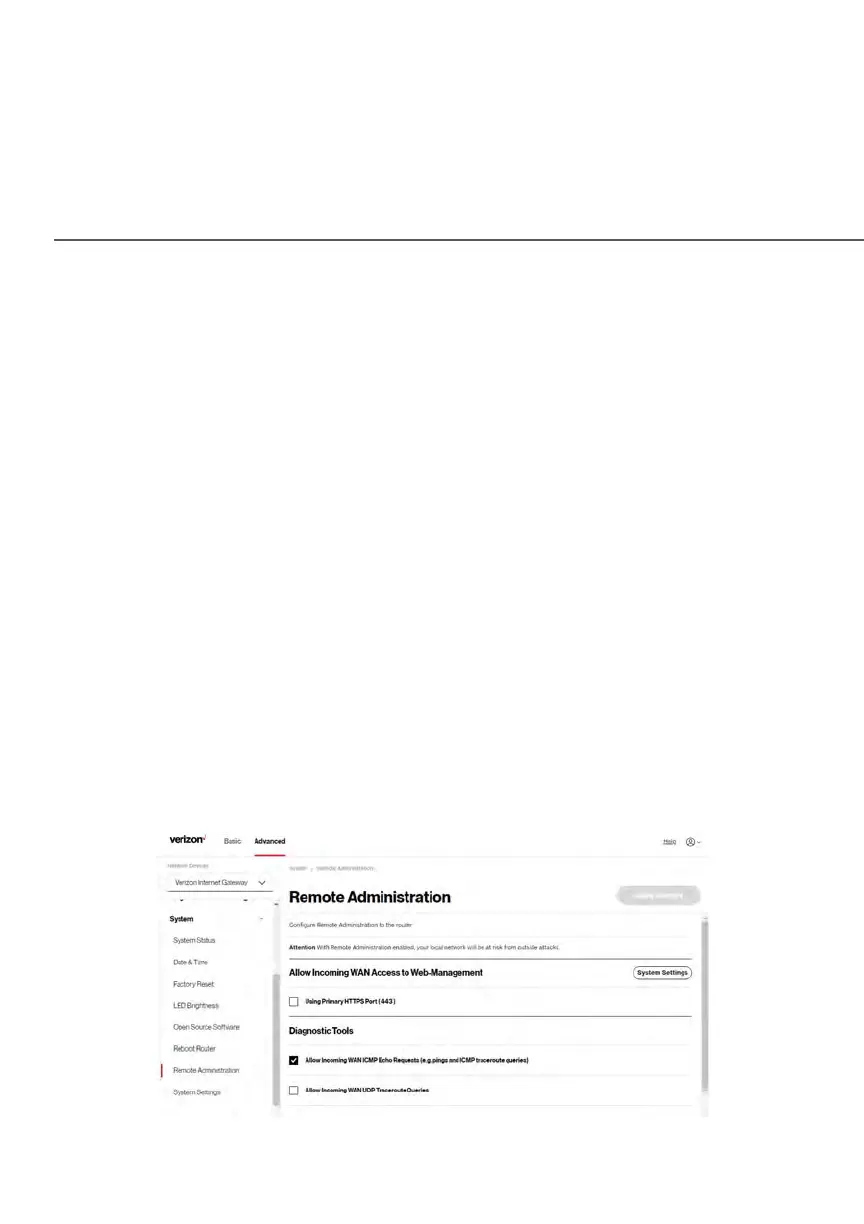
5.3f/ REMOTE ADMINISTRATION
Caution: Enabling Remote Administration places your Gateway network at risk
from outside attacks.
You can access and control your Gateway not only from within the local network,
but also from the internet using Remote Administration.
You can allow incoming access to the following:
• Allow Incoming WAN Access to Web-Management - used to obtain access to
your Gateway’s UI and gain access to all settings and parameters through a
web browser.
• Diagnostic Tools - used for troubleshooting and remote system management
by a user or Verizon.
Remote administration access of Web Management may be used to modify or
disable firewall settings. Web Management services should be activated only
when absolutely necessary.
To enable remote administration:
1. Select Remote Administration in the System section.















 To Next Page