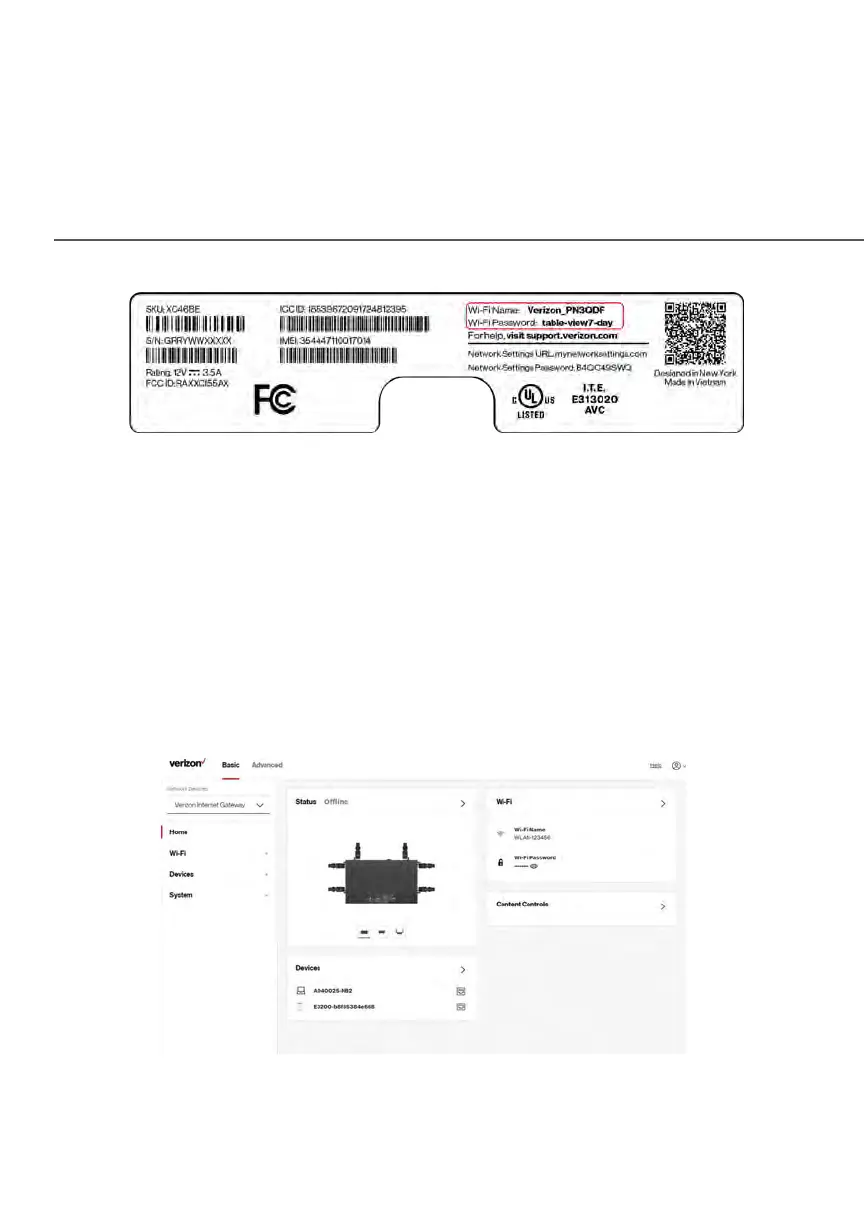
MAIN SCREEN
5. Verify the changes were implemented by using the device’s web browser
to access a site on the internet.
6. Repeat these steps for every device that you are connecting with Wi-Fi
to your Gateway.
2.2 / MAIN SCREEN
When you log into your Gateway, the dashboard main page displays the
navigation menus of Basic and Advanced settings, Wi-Fi settings, Devices,
Content Controls, and connection status, and Basic quick links.















 To Next Page