DEVICE SETTINGS
4.0/ DEVICE SETTINGS
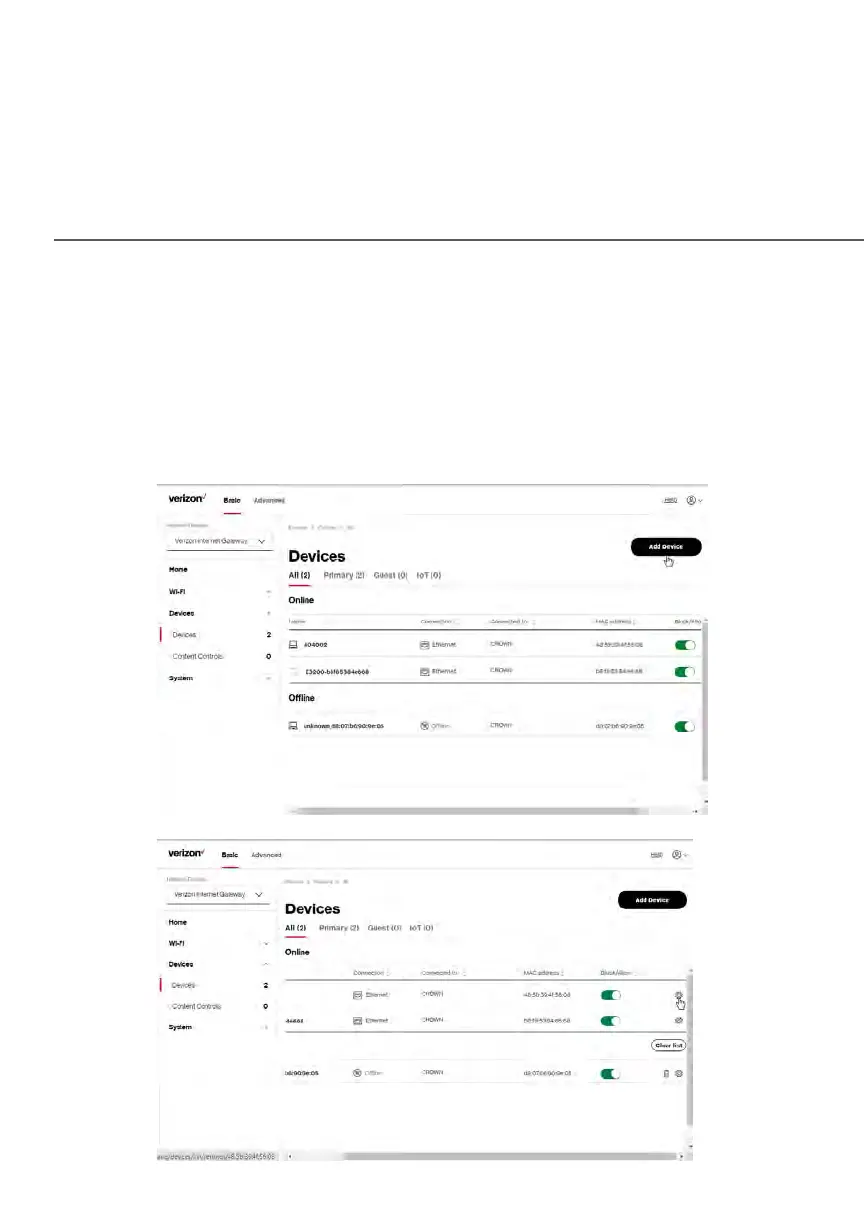
To view and manage the connected devices on your network:
1. From the Basic menu, select Devices from the left pane.
2. The screen displays information about connected devices including
Device Name and identifiers, Content Controls, the type of network
connection, and settings that you can view and configure.















 To Next Page