SECURITY & FIREWALL
5.0f/ PORT FORWARDING RULES
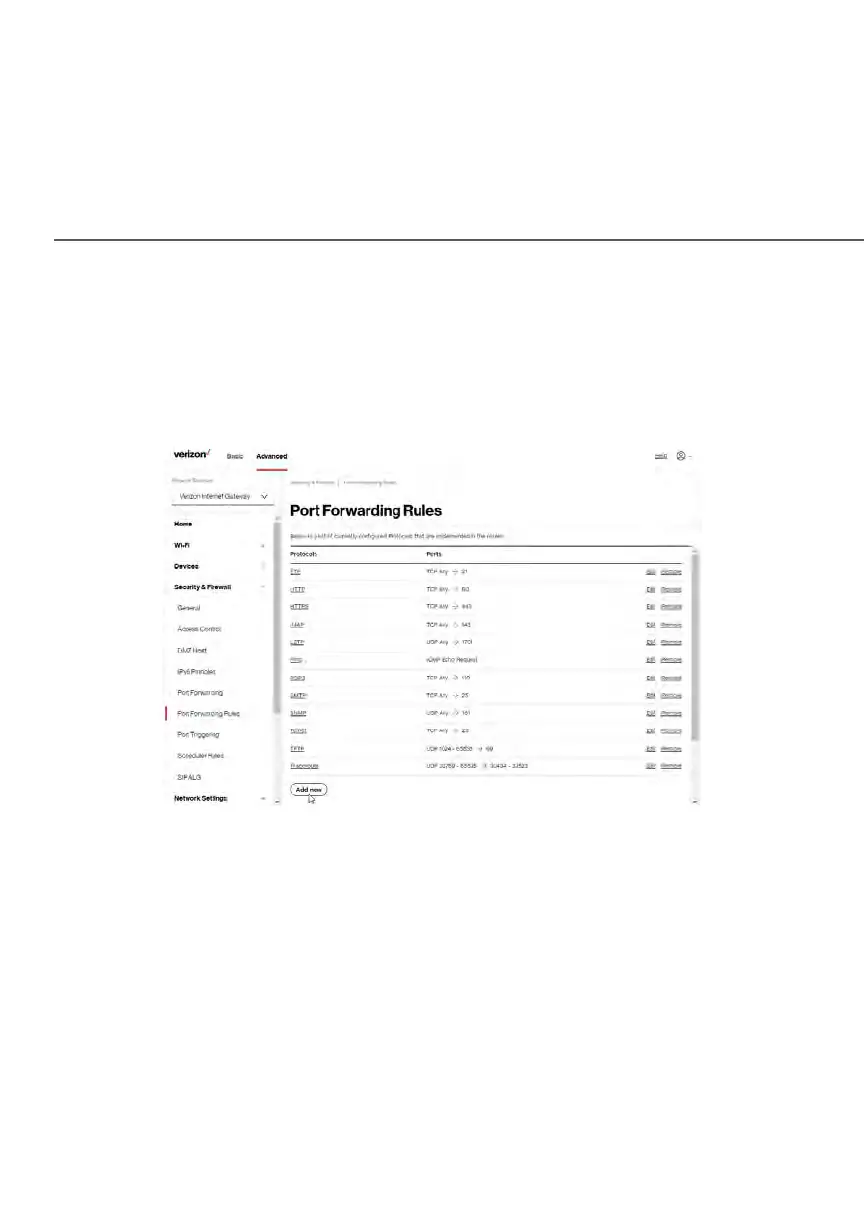
You can view, modify, and delete port forwarding rules.
To access the rules:
1. Select Port Forwarding Rules in the Security & Firewall section.
2. To create or edit a protocol rule, click the Add new or Edit icon in the
action column. The Edit Service page displays.















 To Next Page