05 / CONFIGURING
ADVANCED SETTINGS
103
http://setup.verizon.com/businessinternetgateway |
©2024 Verizon. All Rights Reserved
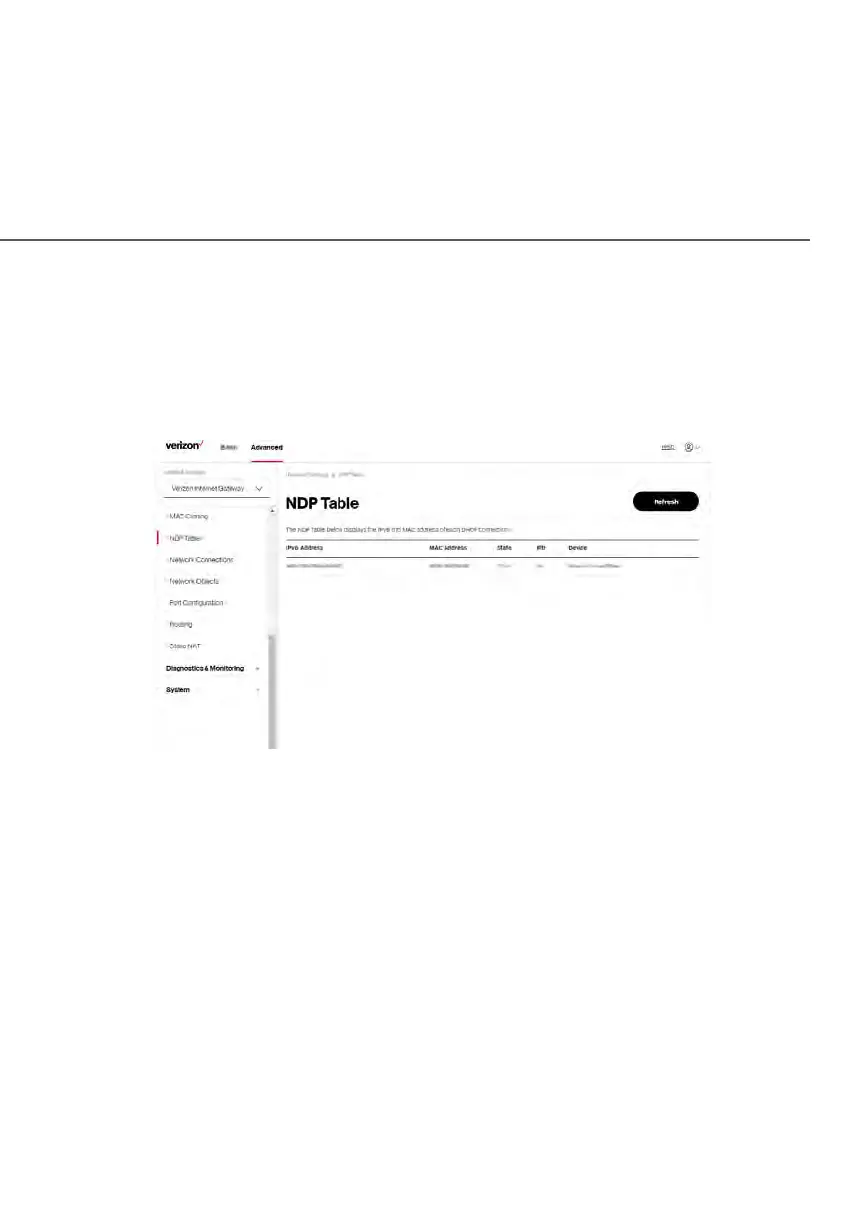
5.1 h/ NDP TAbLE
You can view the IPv6 and MAC addresses of each DHCP connection.
To view the IPv6 and MAC addresses for each device: select NDP (Neighbor
Discovery Protocol ) Table in the Network Settings section.
5.1 i/ NETWORK CONNECTIONS
Caution: The settings described in this chapter should only be configured by
experienced network technicians. Changes could adversely affect the operation
of your Gateway and your local network.
To view the network connections:
1. From the Advanced menu, select Network Settings from the left pane
and then click Network Connections.















 To Next Page