SYSTEM
3. Select Router or Backup file to save the current configuration, then click
Save button.
4. If you select Backup file, the configuration file is saved to you web
browser’s download folder.
5. Click Save button to begin the configuration backup process.
5.3 d/ LED bRIGhTNESS
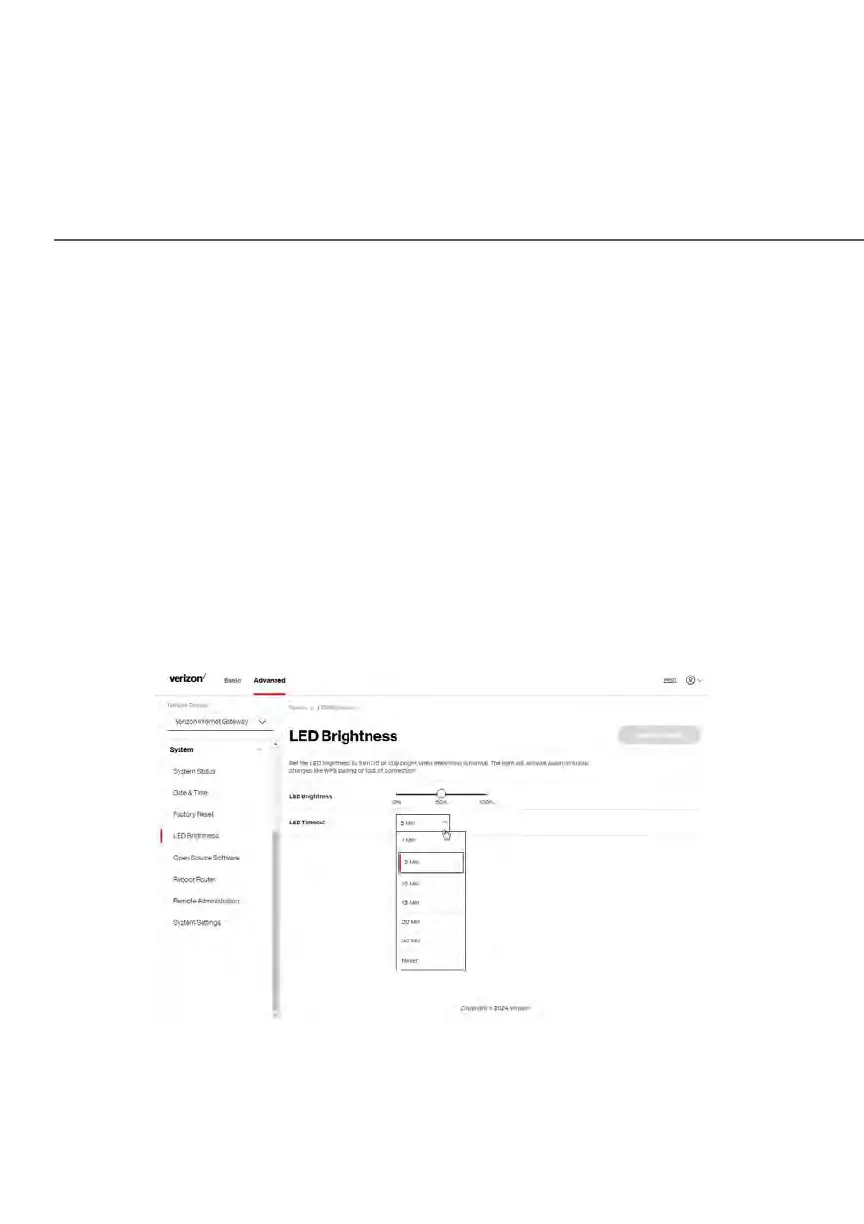
The Verizon Business Internet Gateway allows you to set the LED brightness to
turn Off (0%) or stay bright (50% or 100%) using the user interface.
To control the LED brightness:
1. Select LED Brightness in the System section.
2. Slide the bar to adjust the brightness of the LED.
3. Select your preferred timeout period (in minutes) from the dropdown list
for the LED dimming setting. The Status LED will automatically turn off
after the timeout period.















 To Next Page