NETWORK SETTINGS
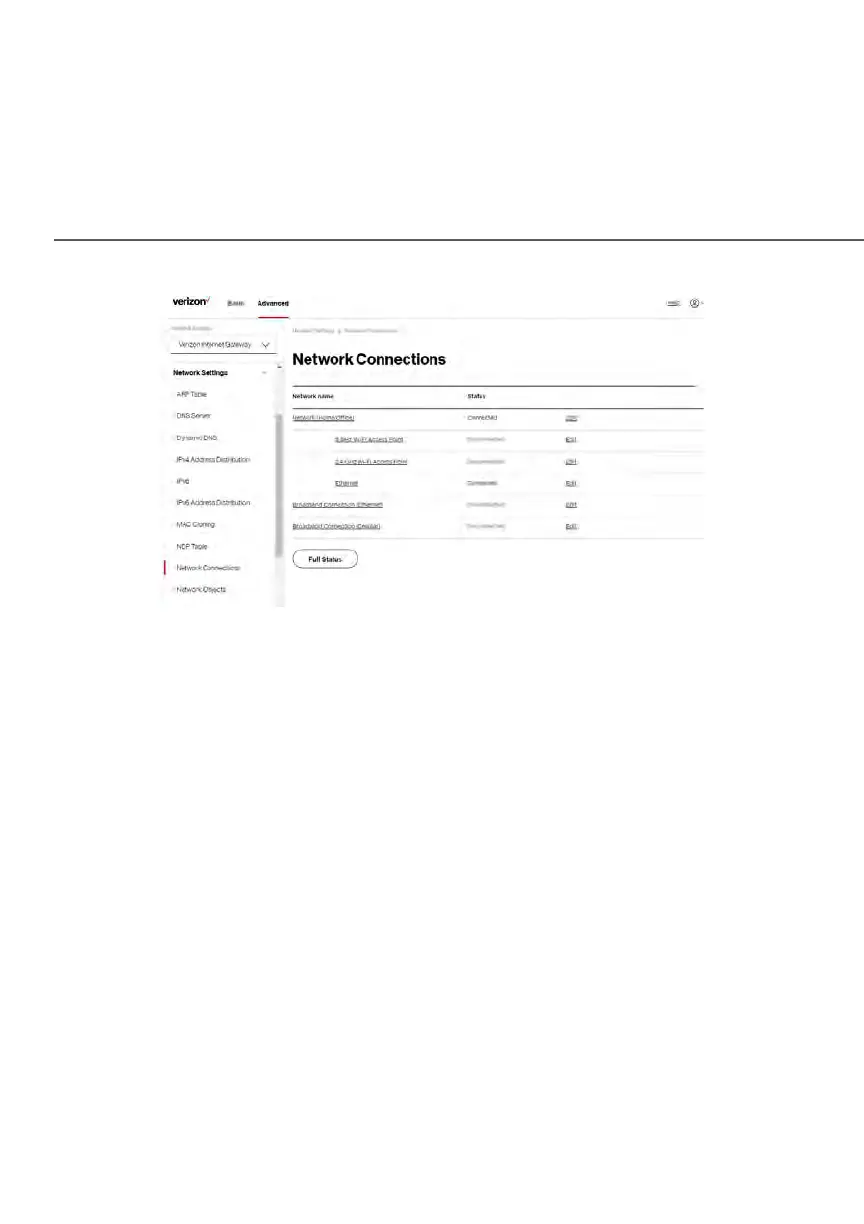
2. To view and edit the details of a specific network connection, click the
hyperlinked name or the action icon. The following sections detail the
types of network connections that you can view.
NETWORK (hOME/OFFICE) CONNECTION
You can view the properties of your local network. This connection is used to
combine several network interfaces under one virtual network. For example, you
can create a home/office network connection for Ethernet and other network
devices.
Note: When a network connection is disabled, the underlying devices formerly
connected to it will not be able to obtain a new DHCP address from that Gateway
network interface.
To view the connection:
1. On the Network Connections page, click the Network (Home/Office)
connection link. The Network (Home/ Office) Properties page displays.















 To Next Page