SECURITY & FIREWALL
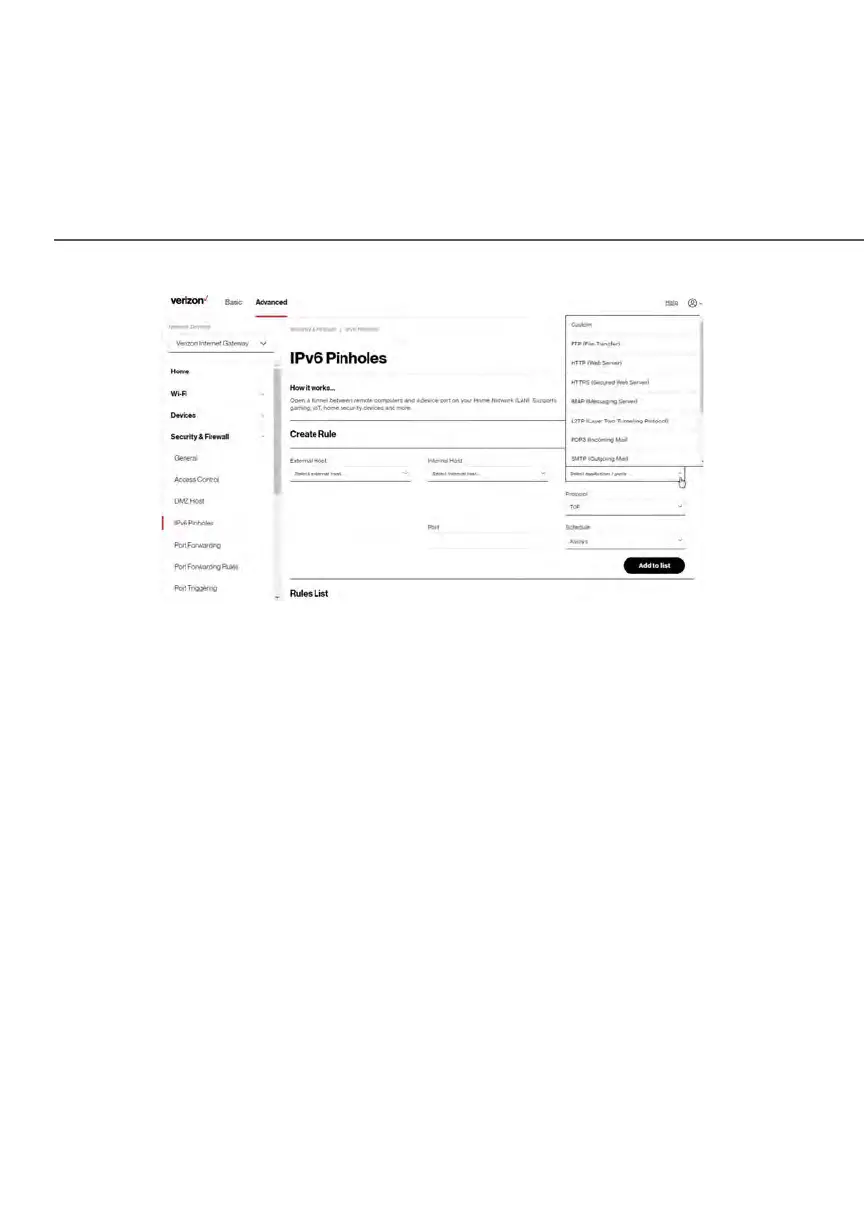
2. Select external and internal host, protocol and the application port type.
3. To schedule the rule, select either Always or User Defined in the
Schedule list box.
4. Click Add to list. The screen displays opened pinhole port and its status.
It shows the IP addresses of remote device and connected device on
your network.
5. Click Apply Changes to save changes.
5.0e/ PORT FORWARDING
You can activate port forwarding to expose the network to the internet in a
limited and controlled manner. For example, enabling applications, such as
video conferencing and voice, to work from the local network as well as allowing
internet access to servers within the local network.















 To Next Page