NETWORK SETTINGS
5.1/ NETWORK SETTINGS
5.1a/ ARP TAbLE
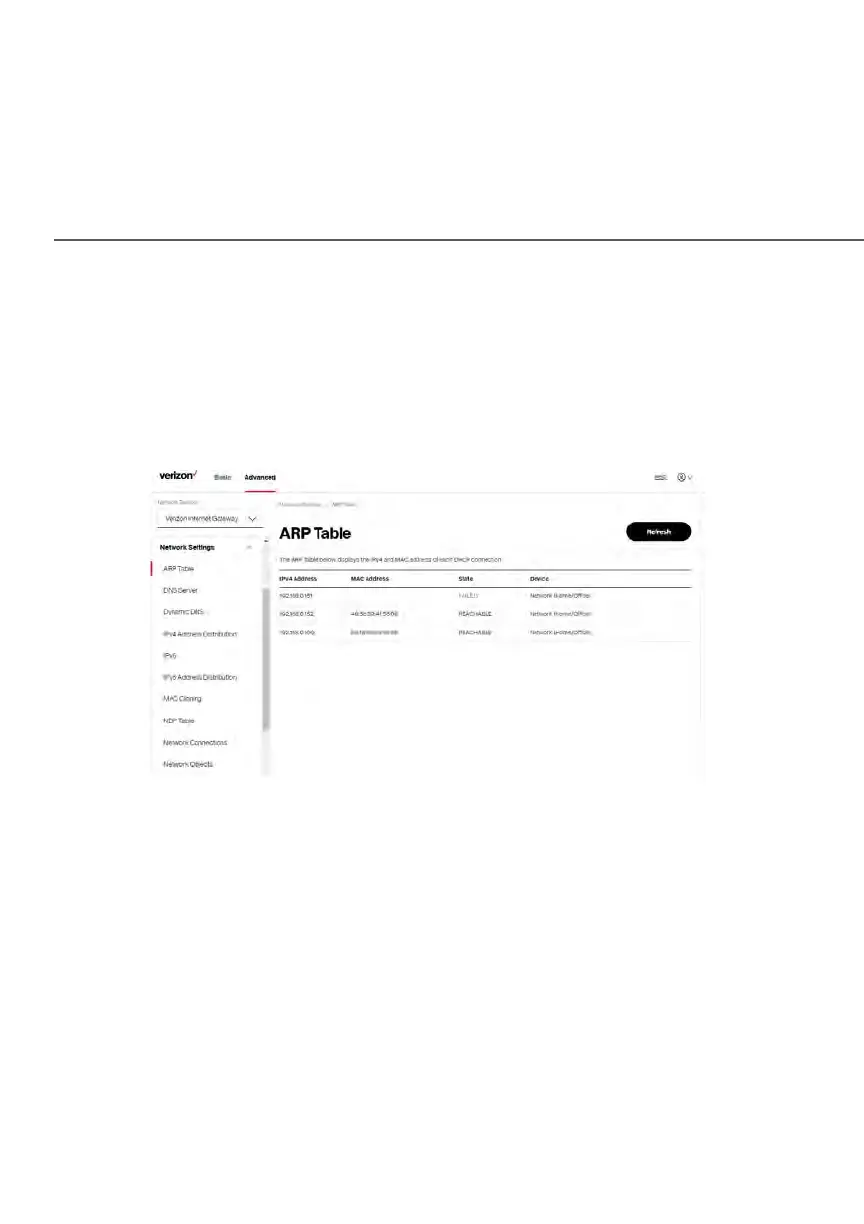
You can view the IPv4 and MAC addresses of each DHCP connection.
To view the IPv4 and MAC addresses for each device: From the Advanced menu,
select Network Settings and then click ARP Table.
5.1 b/ DNS SERVER
You can edit the host name and/or IP address, if the host was manually added to
the DNS table. If not, you can only modify the host name.
To access the DNS server:
1. From the Advanced menu, select Network Settings and then click DNS
Server.















 To Next Page