CONFIGURE YOUR VERIZON bUSINESS
INTERNET GATEWAY
2.0/ CONFIGURE YOUR VERIZON bUSINESS INTERNET GATEWAY
1. Open a web browser on the device connected to your
Verizon Business Internet Gateway network.
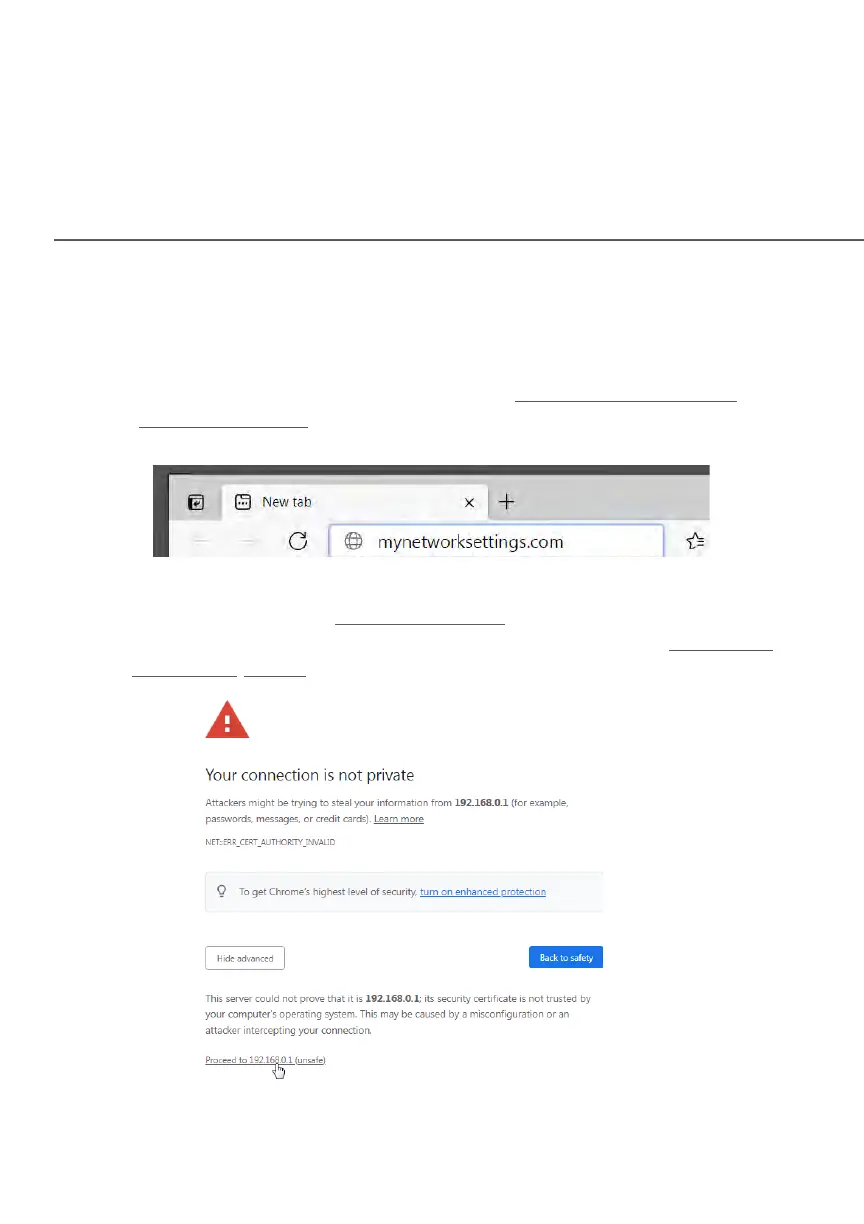
2. In the browser address field (URL), enter: mynetworksettings.com
(https://192.168.0.1), then press the Enter key on your keyboard.
3. You may see a security message warning that Your connection is not
private when you visit https://192.168.0.1
fo
r GUI management. To get
to the login screen, click the ADVANCED button, then on Proceed to
192.168.0.1 (unsafe) link.















 To Next Page