02 / CONFIGURING YOUR VERIZON BUSINESS
INTERNET GATEWAY
18
http://setup.verizon.com/businessinternetgateway |
©2024 Verizon. All Rights Reserved
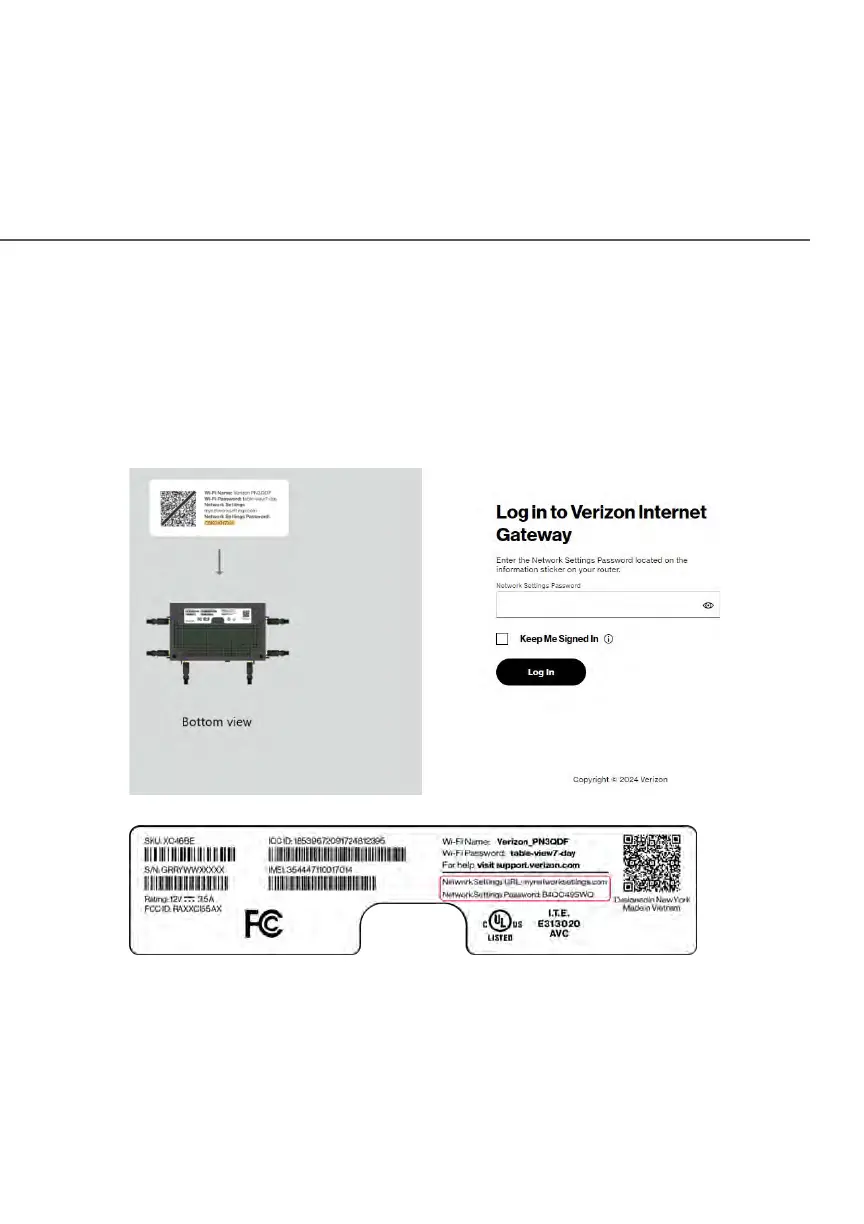
4. The login screen will appear.
The first time you access your Gateway, an Easy Setup Wizard displays
to help step you through the setup process.
5. On the Log in to Verizon Internet Gateway screen, enter the password
that is printed next to the Network Settings Password on the label on the
bottom of your Gateway.















 To Next Page