CONFIGURE YOUR VERIZON bUSINESS
INTERNET GATEWAY
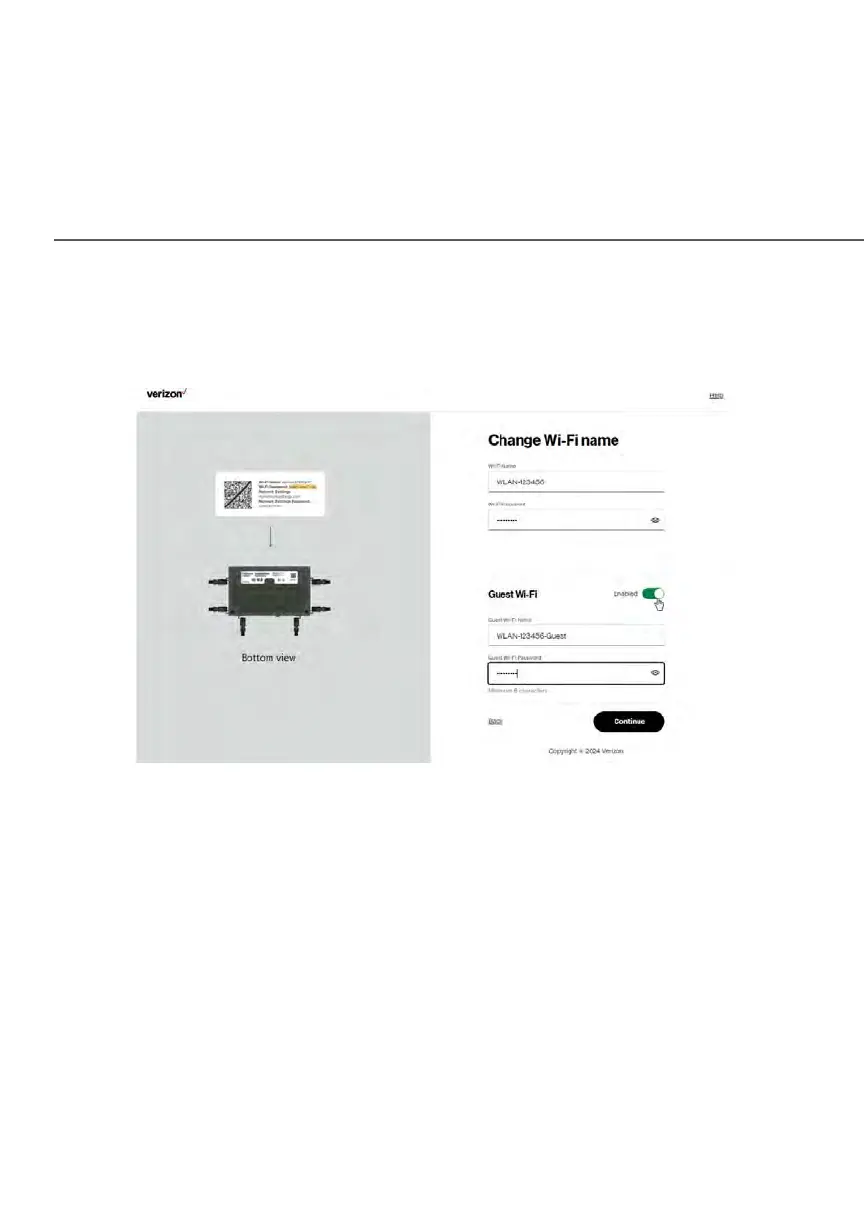
6. Click Log In. The Change Wi-Fi name screen displays. Move the selector
to on for setting up your Guest Wi-Fi to personalize your Guest Wi-Fi
Name and Password.
For your protection, your Gateway is pre-set at the factory to use WPA2
(Wi-Fi Protected Access II) encryption for your Wi-Fi network. This is the
best setting for most users and provides security.
7. Click Continue. The Apply Wi-Fi changes screen appears. You have an
option of saving the Wi-Fi settings as an image on your device by clicking
the Save as image button. After you click Save as image to save your
Wi-Fi settings as an image, click Apply to save the Wi-Fi changes to
Gateway.
Note: If you select Save as image, the image file is saved to your web
browser’s download folder.















 To Next Page