02 / CONFIGURING YOUR VERIZON BUSINESS
INTERNET GATEWAY
20
http://setup.verizon.com/businessinternetgateway |
©2024 Verizon. All Rights Reserved
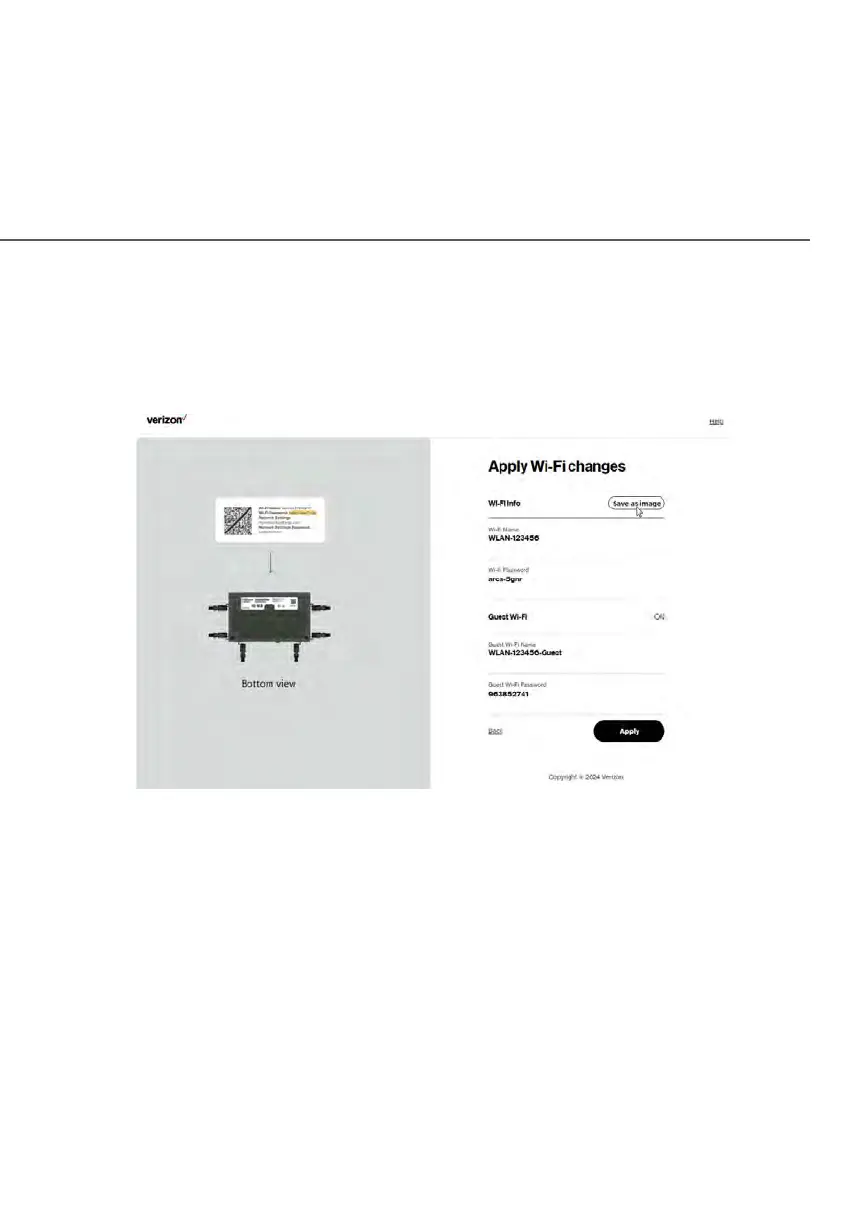
Important: If you are on a Wi-Fi device when setting up your Gateway, you will
be disconnected from the Wi-Fi network when you change the Wi-Fi name or
Wi-Fi password. When this occurs, your Gateway will detect this situation and
prompt you to reconnect using the new settings.
The You’re all set up! screen displays once your Gateway verifies the final
settings and has successfully connected to the internet and is ready for use. You
can click on Go to Network Settings to access the main screen of the Gateway.















 To Next Page