ADVANCED SETTINGS
4. If desired, enter a new name and password for the Wi-Fi network or
leave the default name and password that displays automatically.
Note: The SSID is the network name. All devices must use the same SSID.
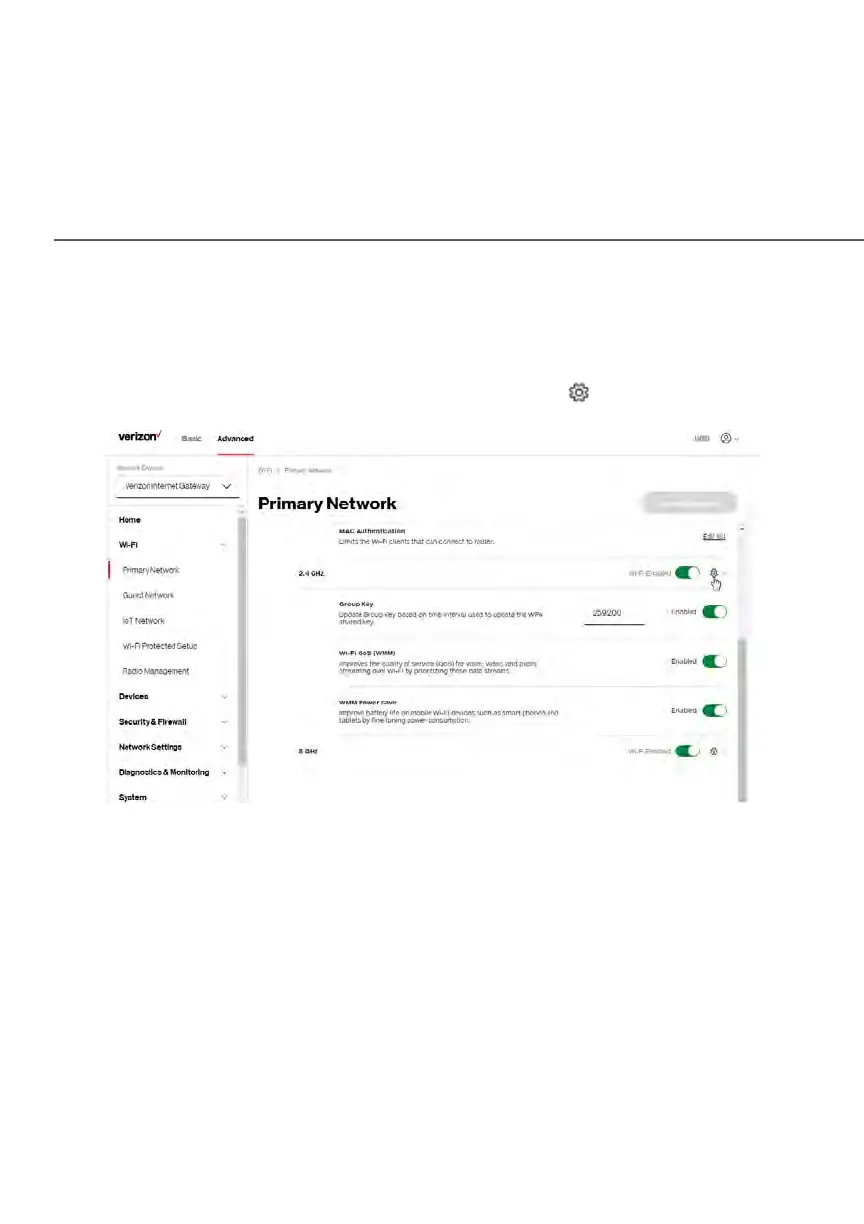
5. To configure the Wi-Fi security, click the setup button.
Caution: These settings should only be configured by experienced network
technicians. Changing the settings could adversely affect the operation of
your Gateway and your local network.
• Group key - to update the WPA shared key, move the selector to on.
• Wi-Fi QoS (WMM) - improves the quality of service (QoS) for voice, video,
and audio streaming over Wi-Fi by prioritizing these data streams.
• WMM Power Save - improves battery life on mobile Wi-Fi devices such as
smart phones and tablets by fine-tuning power consumption.















 To Next Page