05 / CONFIGURING
ADVANCED SETTINGS
141
http://setup.verizon.com/businessinternetgateway |
©2024 Verizon. All Rights Reserved
2. To enable access, select the check box.
3. To remove access, clear the check box.
4. Click Apply Changes to save changes.
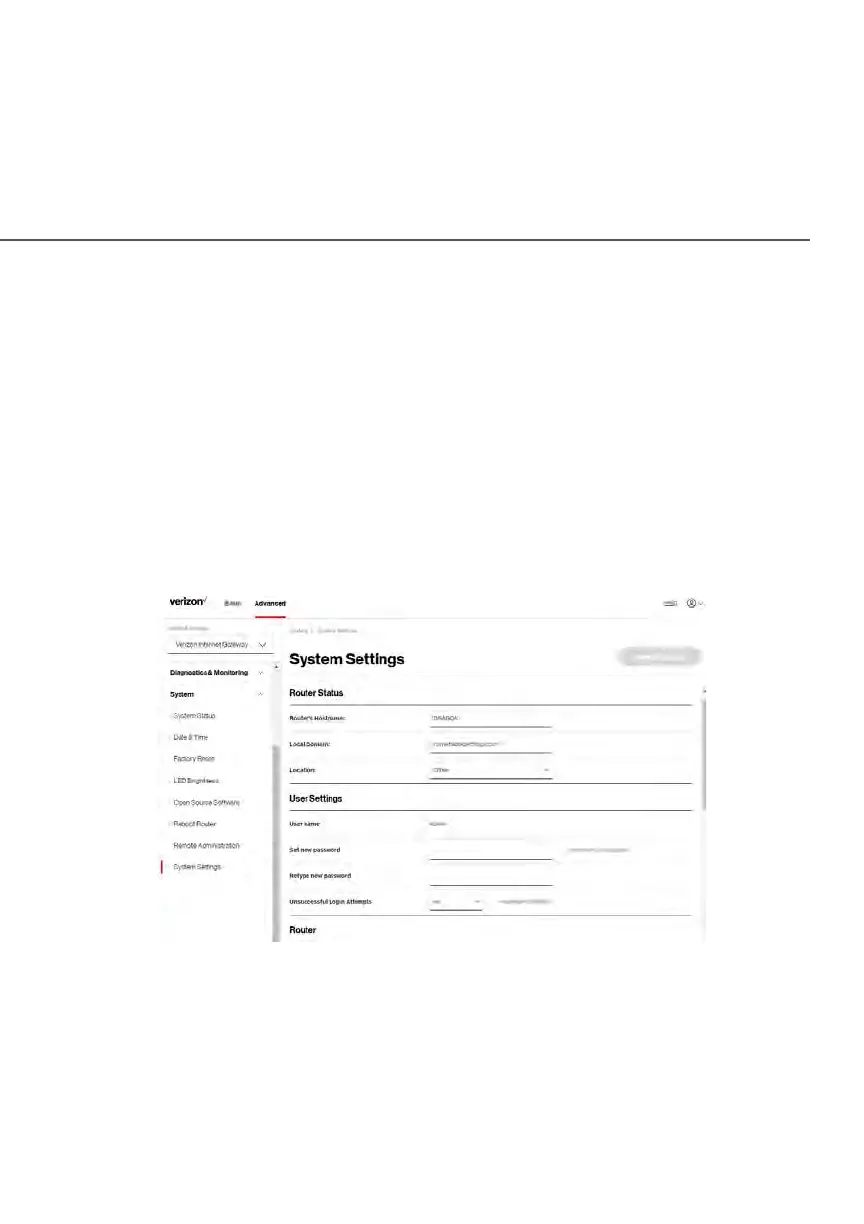
5.3 g/ SYSTEM SETTINGS
You can configure various system and management parameters.
To configure system settings:
1. Select System Settings in the System section.















 To Next Page