SYSTEM
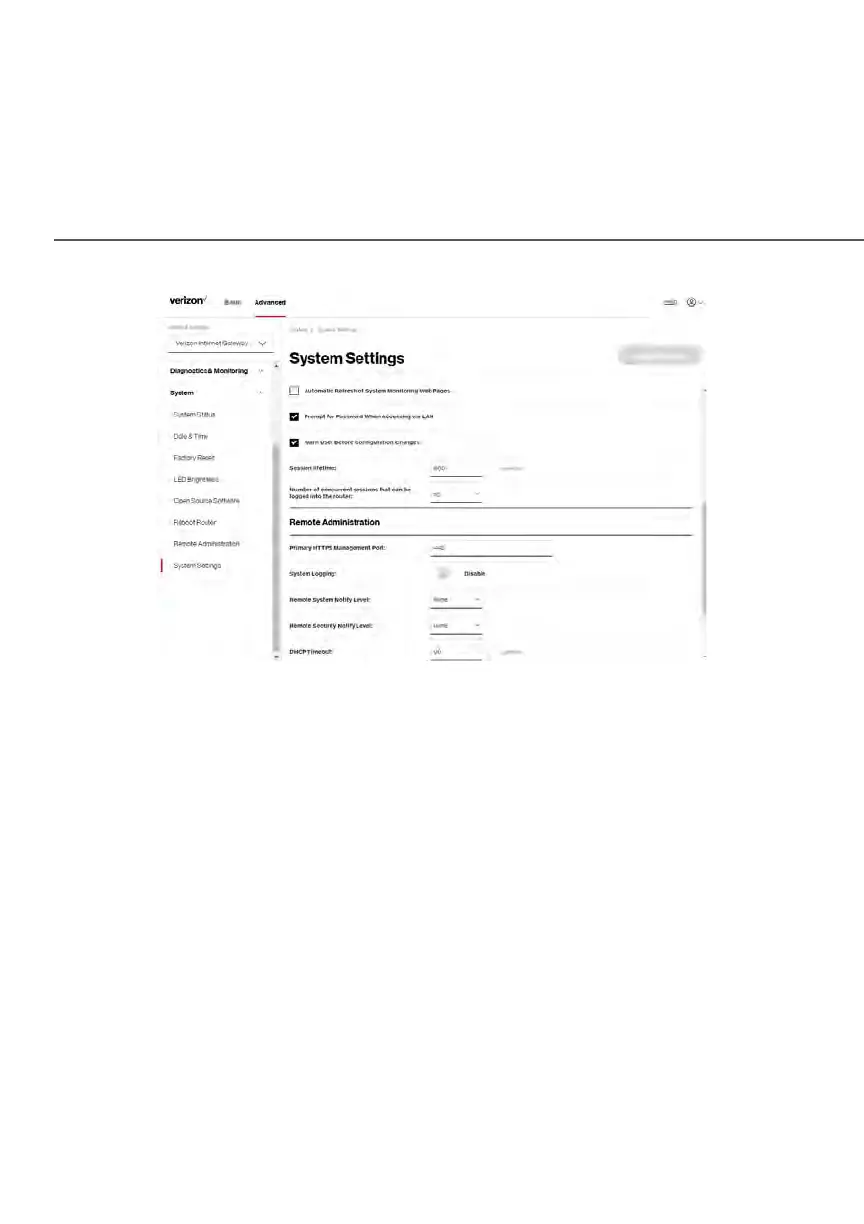
2. In the Router Status section, configure the following:
• Router’s Hostname – enter the host name of your
Verizon Business Internet Gateway.
• Local Domain – view the local domain of the network.
• Location – select your current location of the Gateway from the
dropdown list.
3. In the User Settings section, you can view the administration user that
can currently access your Wi-Fi network. In addition, you can modify the
login password and manage the number of unsuccessful login attempts
the administration user can enter before your Gateway temporarily
denies all further login attempts by the user.
4. In the Router section, configure the following by selecting the check box:
• Automatic Refresh of System Monitoring Web Pages – activates the
automatic refresh of system monitoring web pages.















 To Next Page