05 / CONFIGURING
ADVANCED SETTINGS
79
http://setup.verizon.com/businessinternetgateway |
©2024 Verizon. All Rights Reserved
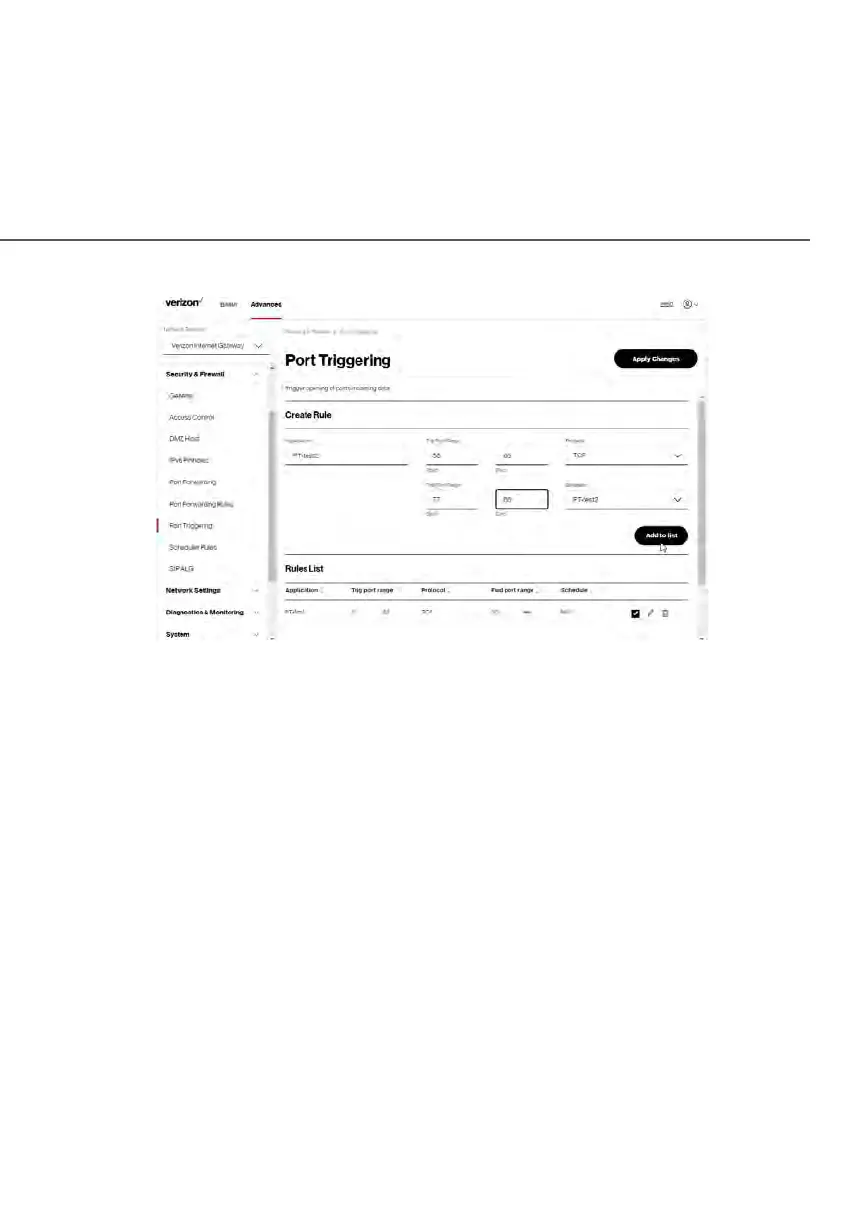
2. To add a service as an active protocol, enter the application name,
configure its inbound and outbound (triggered/forwarded) port range,
then select the protocol.
3. To schedule the rule, select either Always or User Defined in the
Schedule list box.
4. Click Add to list. The rule displays in the Rules List section.
5. Click Apply Changes to save changes.
5.0h/ SChEDULER RULES
Scheduler Rules are used for limiting the activation of firewall rules to specific
time periods. The time periods are either for days of the week or for hours of
each day based on activity or inactivity.















 To Next Page