05 / CONFIGURING
ADVANCED SETTINGS
81
http://setup.verizon.com/businessinternetgateway |
©2024 Verizon. All Rights Reserved
5. Specify if the rule is active or inactive at the scheduled time.
6. Click Apply Changes to save changes.
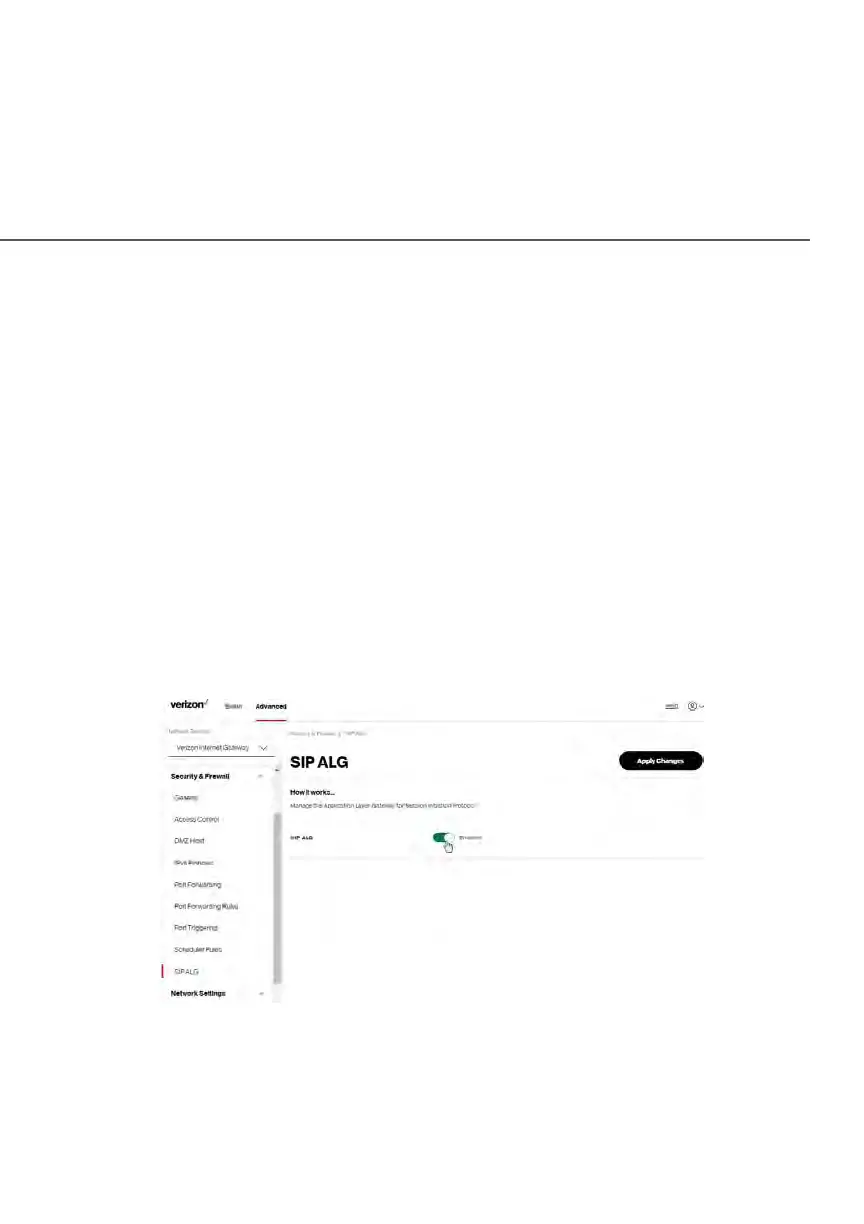
5.0i/ SIP ALG
SIP ALG (Application Level Gateway) - supports various multiple application
protocols by allowing dynamic ephemeral TCP/ UDP ports to communicate with
the known ports which a particular client application (such as FTP, VoIP service,
net meeting or streaming media) requires.
To enable the SIP ALG settings:
1. From the Advanced menu, select Security & Firewall and then click SIP
ALG.
2. Select Enabled for the SIP ALG.
3. Click Apply Changes to save changes.















 To Next Page