05 / CONFIGURING
ADVANCED SETTINGS
137
http://setup.verizon.com/businessinternetgateway |
©2024 Verizon. All Rights Reserved
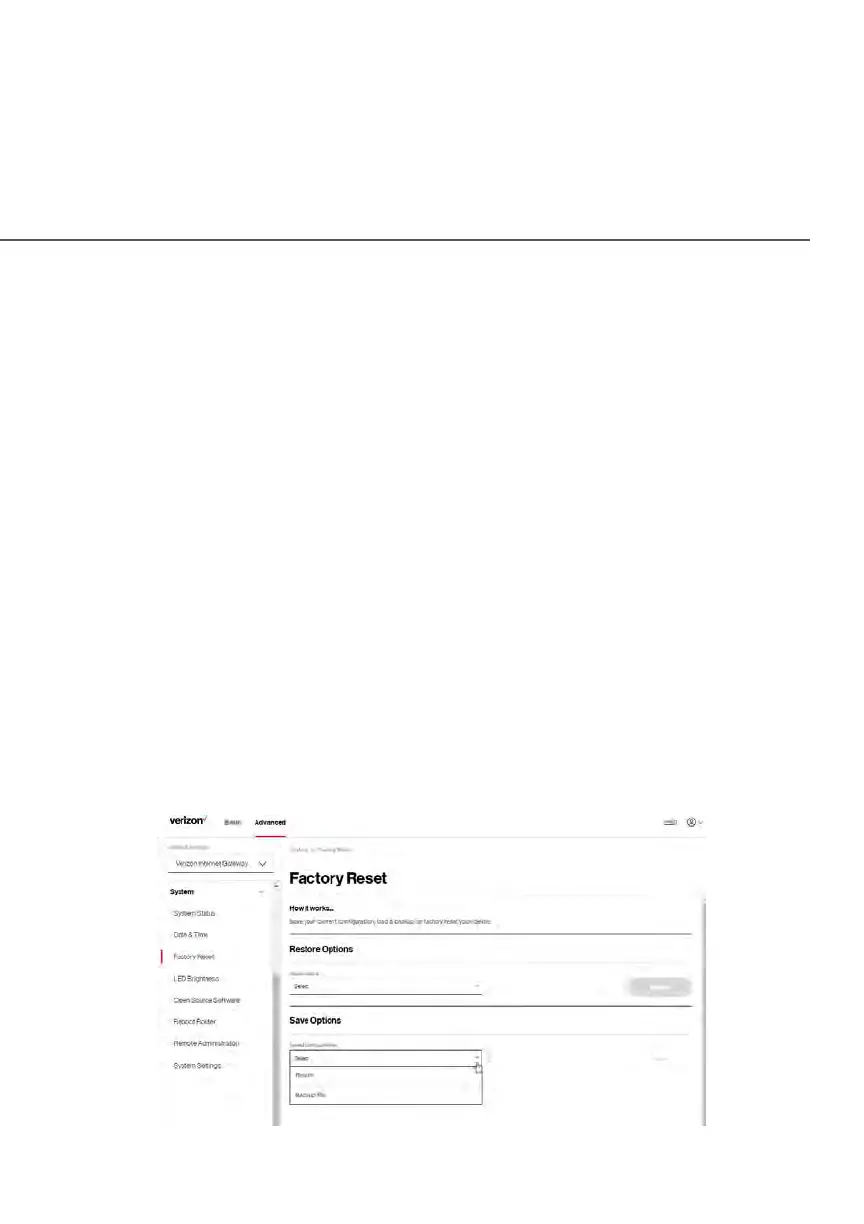
To load the configuration file:
1. Select Factory Reset in the System section.
2. To load a previously saved configuration file, select Recent backup or
Load a backup file then click choose file.
3. Browse to the location of the file, and click the Restore button to begin
the configuration uploading process.
4. Accessing the My Verizon account also allows you to restore the
previously saved settings. Select Restore from account and use My
Verizon account to restore the saved settings to the Gateway.
5. Click the Restore button. Your Gateway will automatically restart with
that configuration.
Save Options
To save the configuration file:
1. From the Advanced menu, select System.
2. Select Factory Reset in the System section.















 To Next Page