SYSTEM
Note: When restoring defaults, the setting and parameters of your Gateway are
restored to their default values. This includes the administrator password. A user-
specified password will no longer be valid.
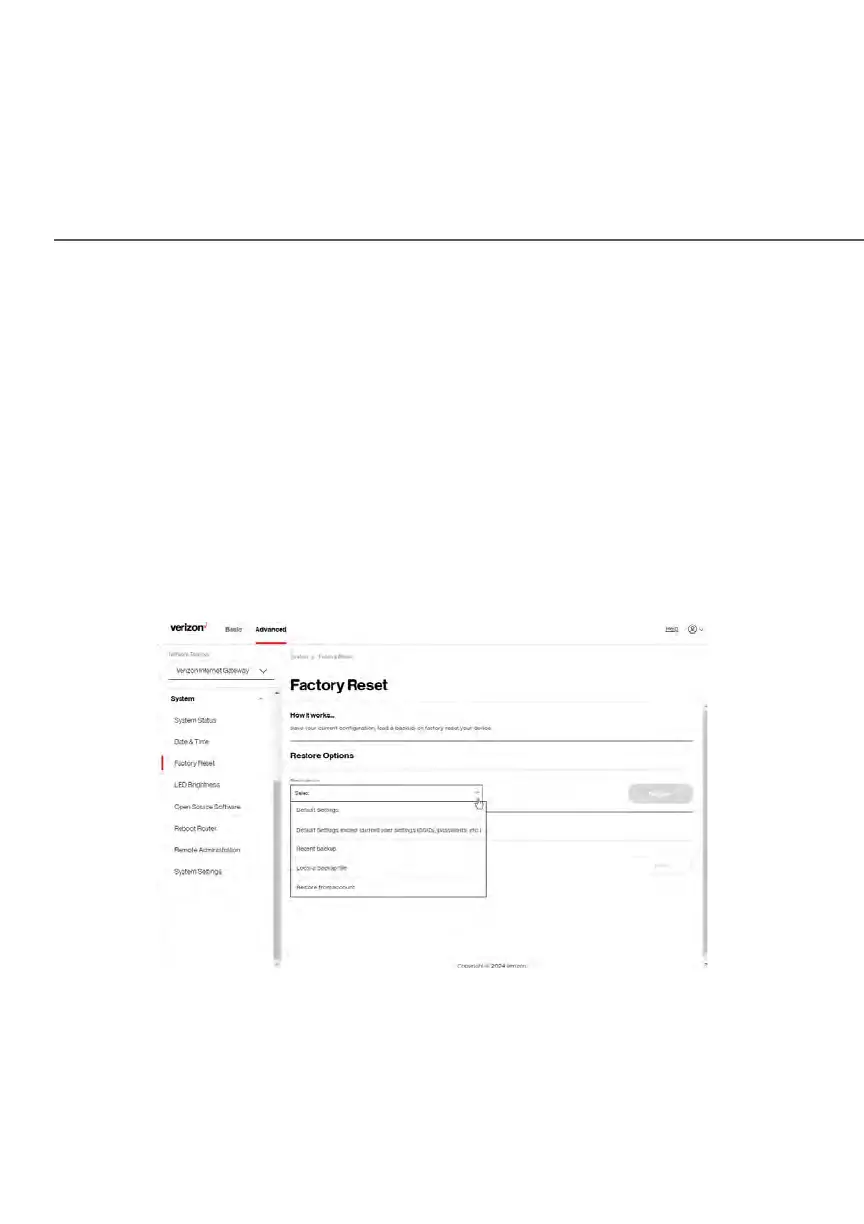
To restore your Gateway’s factory default settings:
1. Click Factory Reset in the System section.
2. Select Default Settings or Default Settings except current user settings.
• Default Settings – will erase all router settings including user settings
for SSID and Passwords.
• Default Settings except current user settings – will erase all router
settings but will retain the user settings for SSID and passwords.
3. Click the Restore button. The factory default settings are applied and
your Gateway restarts. Once complete, the Login page for the First Time
Easy Setup Wizard displays.















 To Next Page