03 / WI-FI SETTINGS
35
http://setup.verizon.com/businessinternetgateway |
©2024 Verizon. All Rights Reserved
3.1 / bASIC SETTINGS
3.1 a/ PRIMARY NETWORK
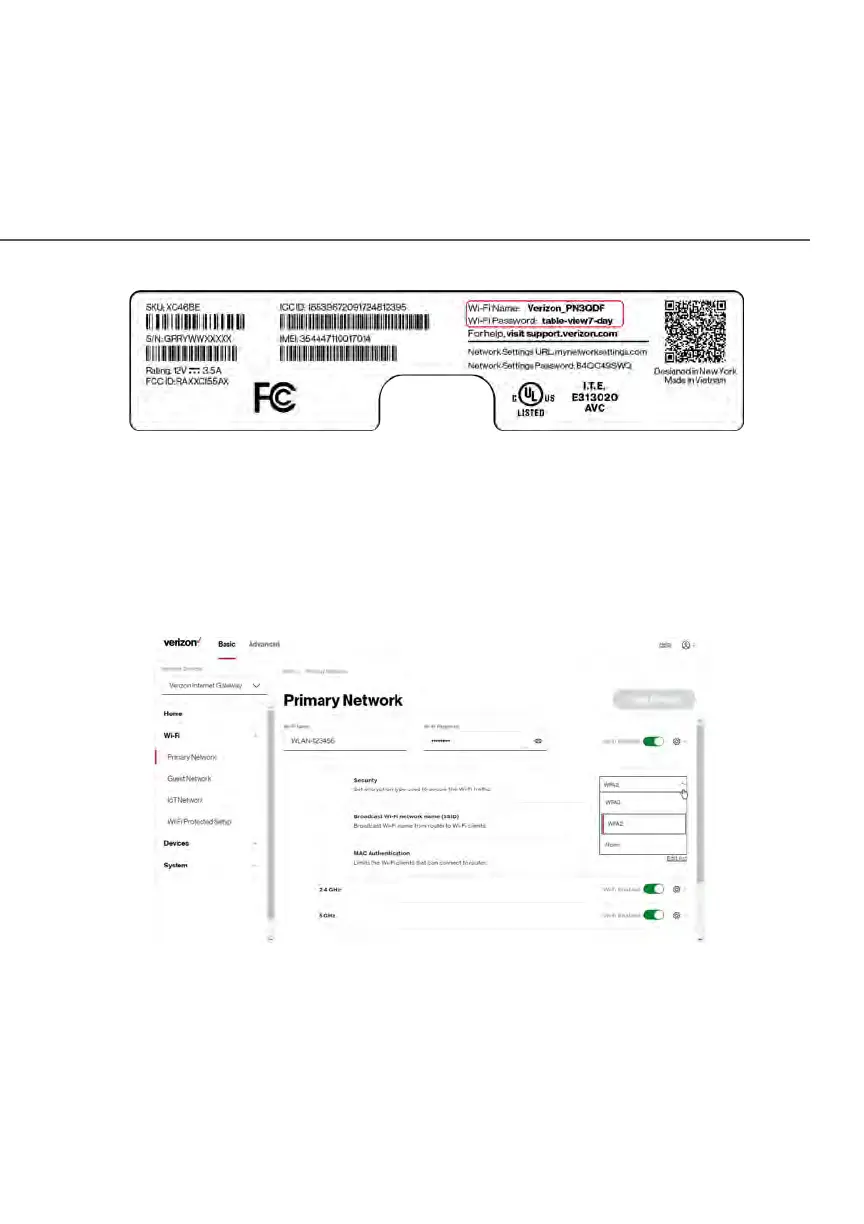
You can configure the basic security settings for 2.4 GHz or 5 GHz of your Wi-Fi
network.
To configure the basic security radio, SSID and security settings:
1. From the Basic menu, select Wi-Fi from the left pane and then click
Primary Network.















 To Next Page