03 / WI-FI SETTINGS
37
http://setup.verizon.com/businessinternetgateway |
©2024 Verizon. All Rights Reserved
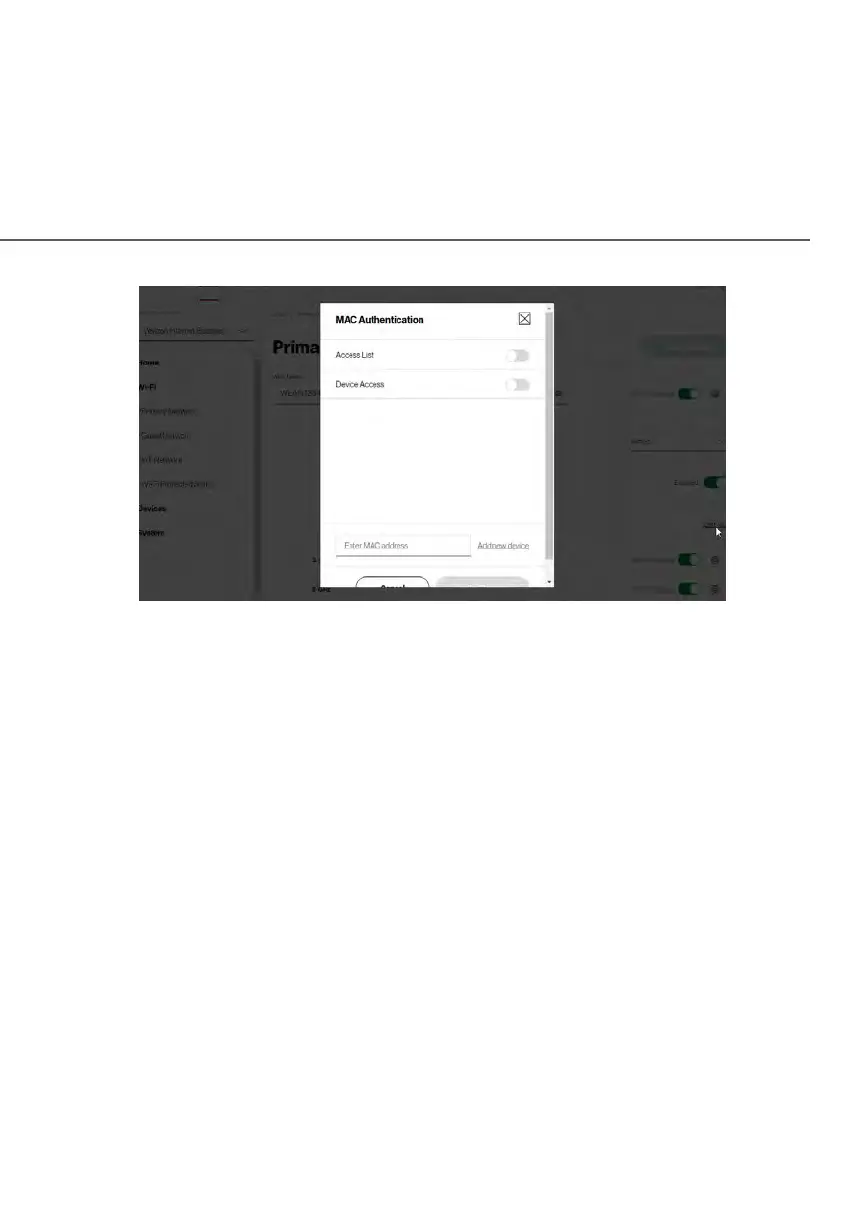
To set Wi-Fi MAC authentication:
1. To setup access control, click on the Edit List.
2. Select either:
• Access List – allows the listed devices to access the Wi-Fi network.
Warning: This will block Wi-Fi network access for all devices not in the list.
Only devices in the list will be able to connect to the Wi-Fi network.
• Device Access – Wi-Fi devices will be able to access the Wi-Fi
network if they use the correct Wi-Fi password.
3. Enter the MAC address of a device and click Add new device.
4. Repeat step 2 and step 3 to add additional devices, as needed.
5. When all changes are complete, click Apply Changes to save the
changes.















 To Next Page